
Overview
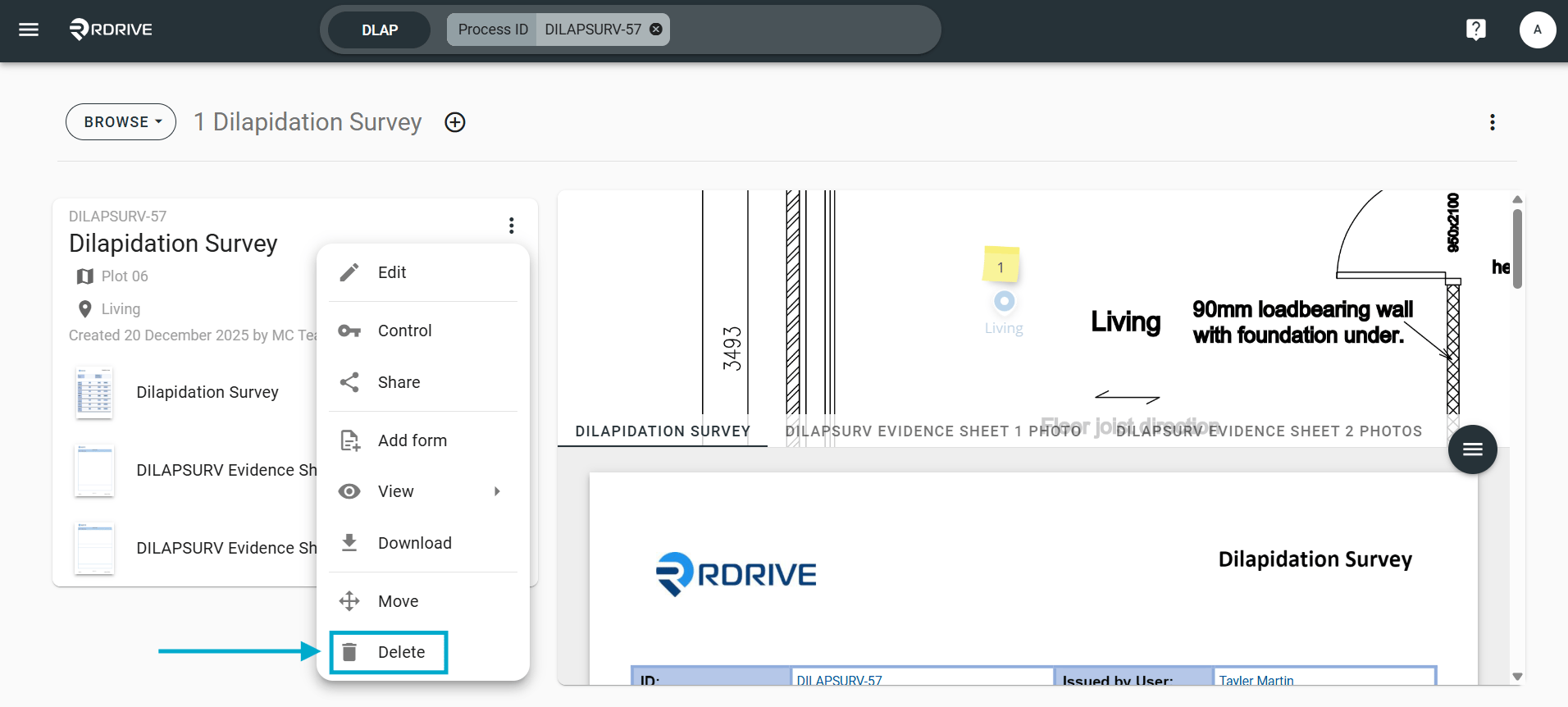
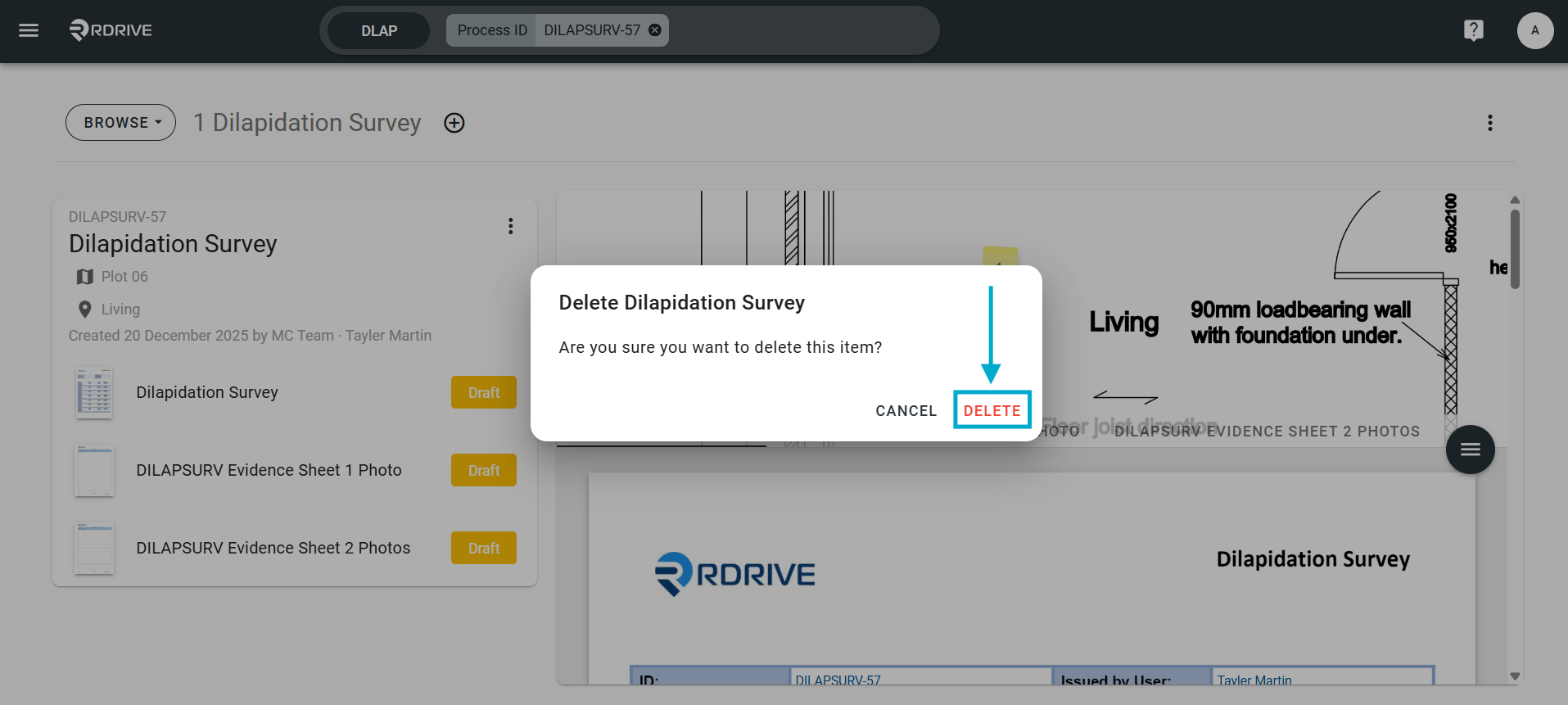
How to delete a process within RDrive- Purpose: How to permanently delete a process within RDrive.
- Who It’s For: Admins, project teams
Prerequisites: Able to delete the process
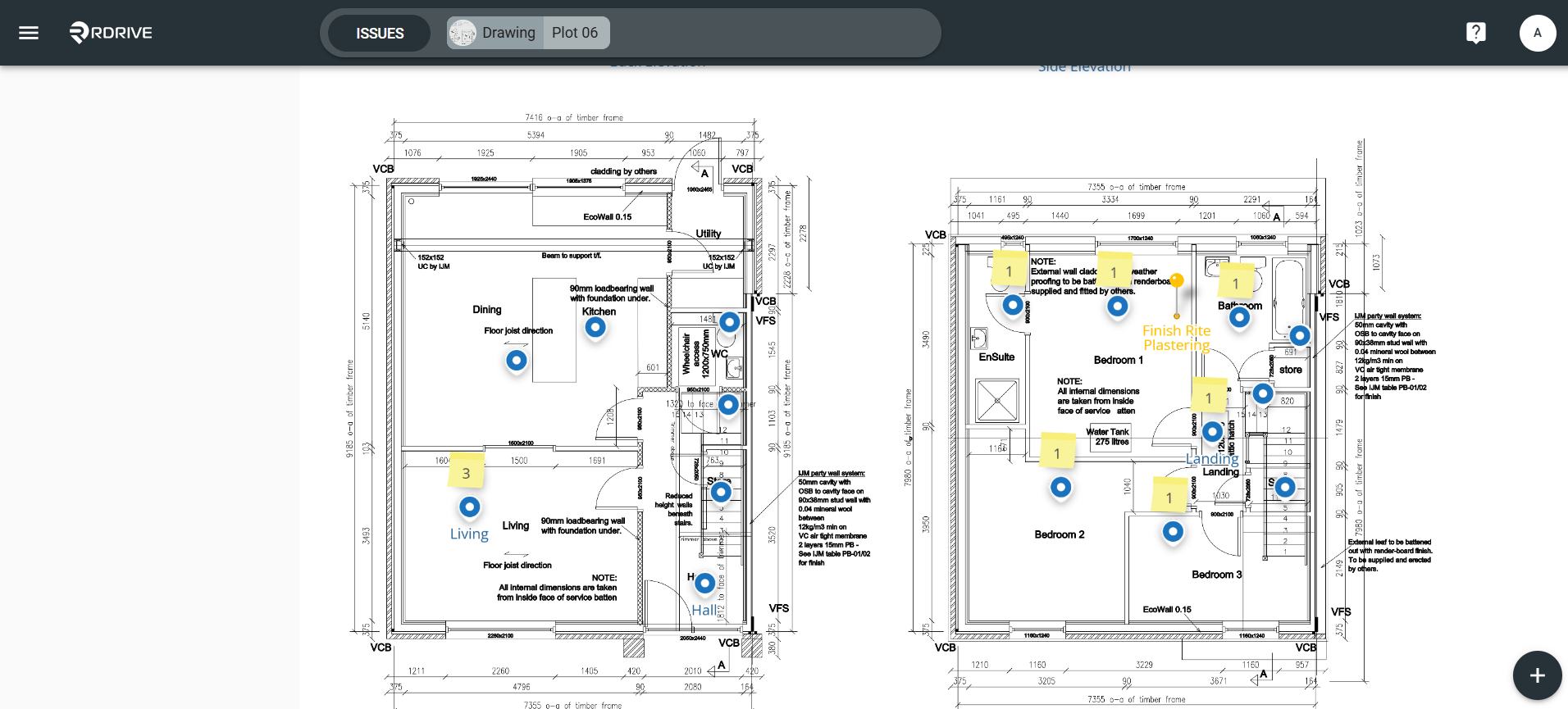
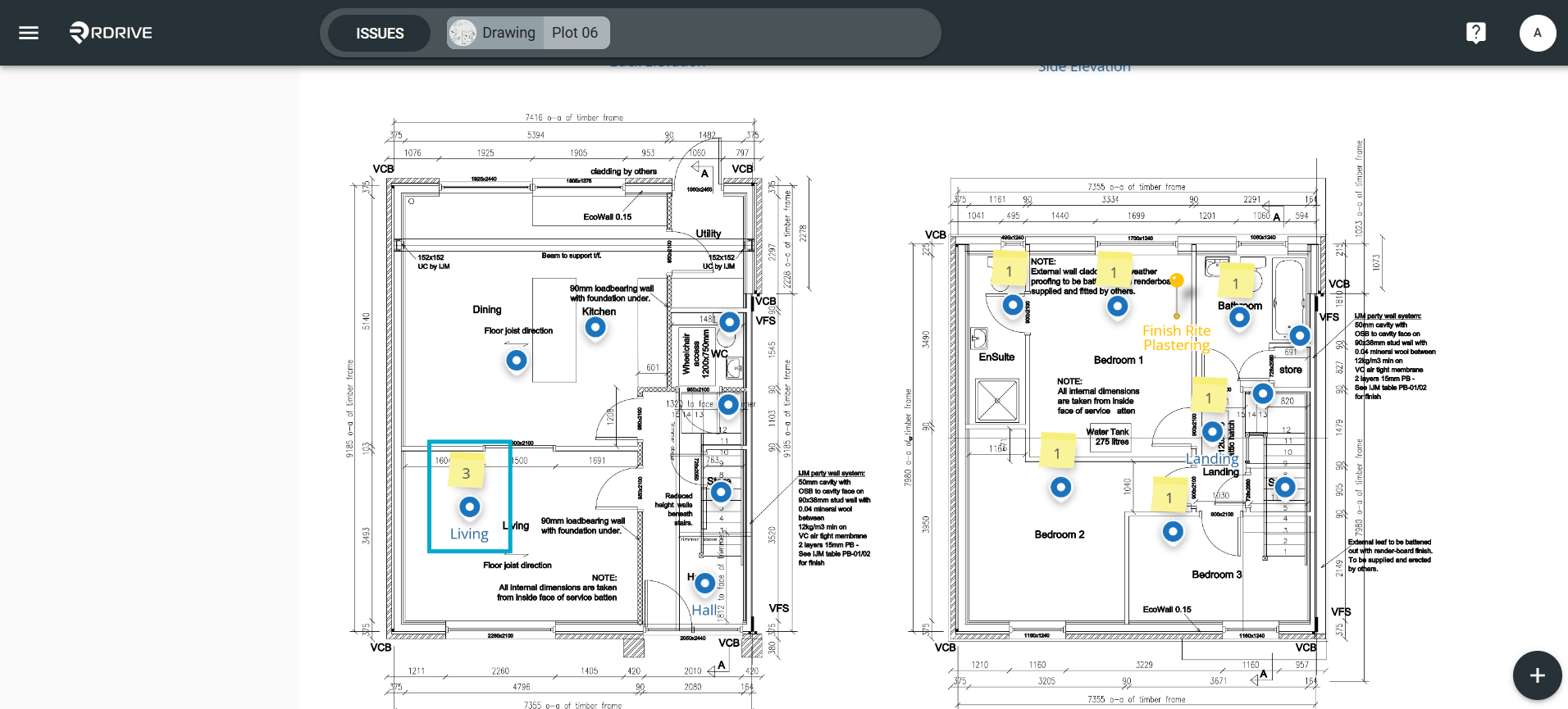
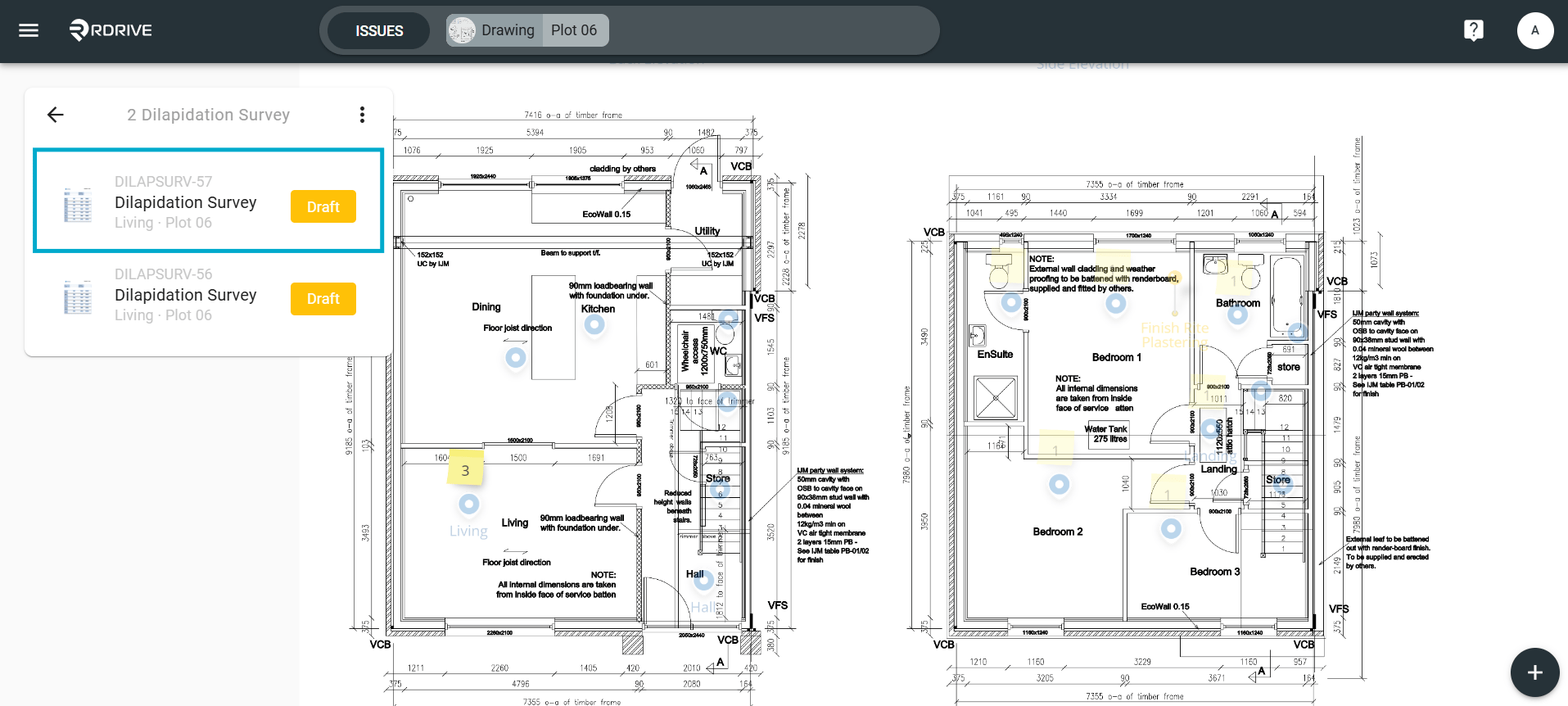
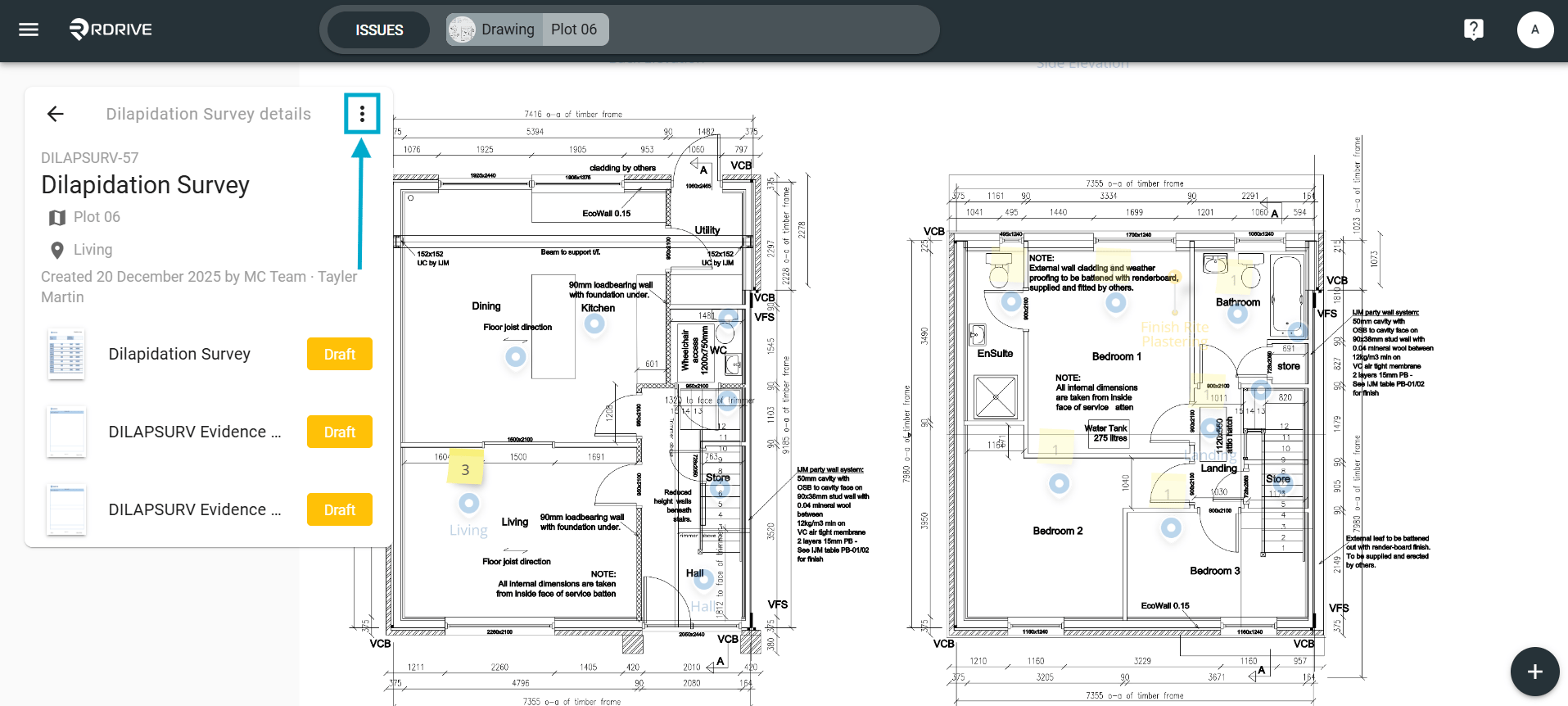
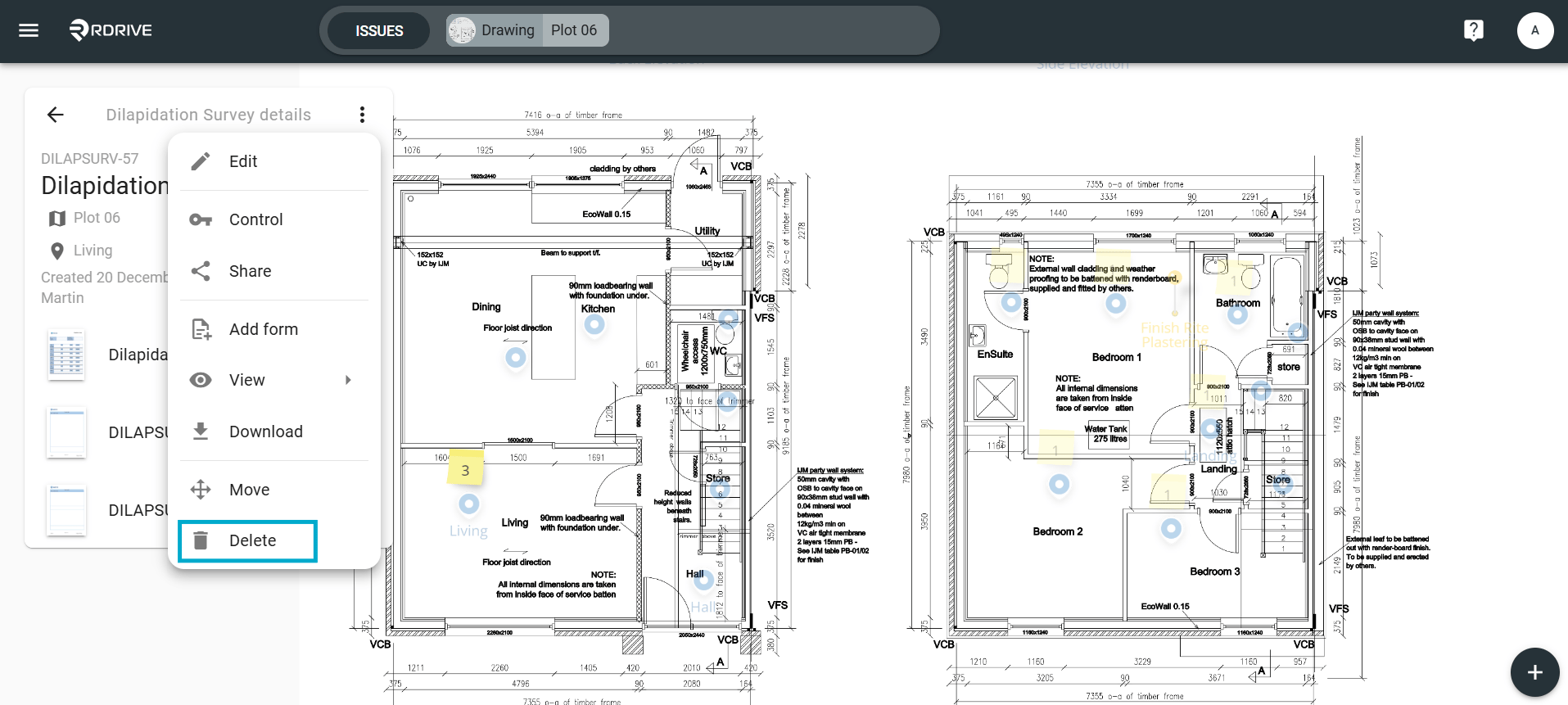
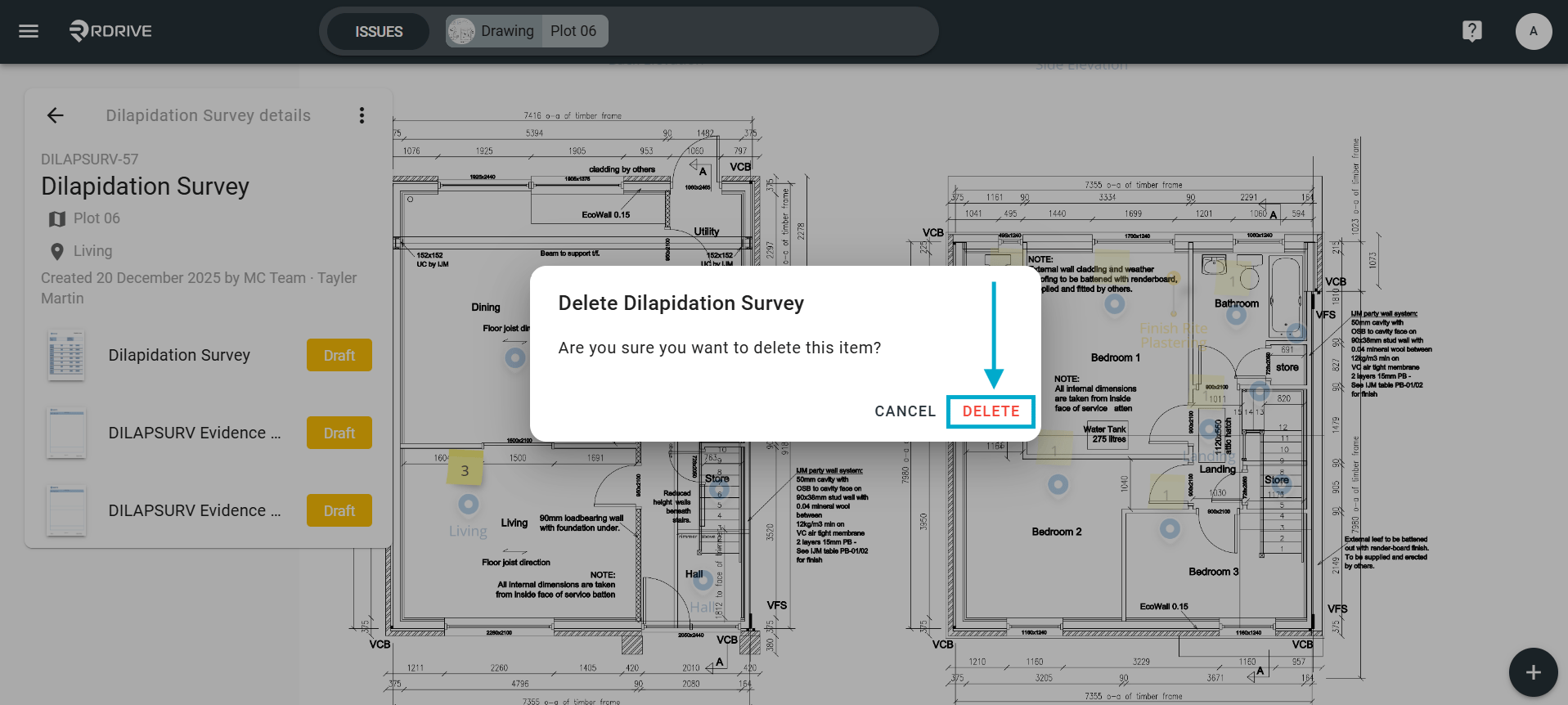
via Process Finder
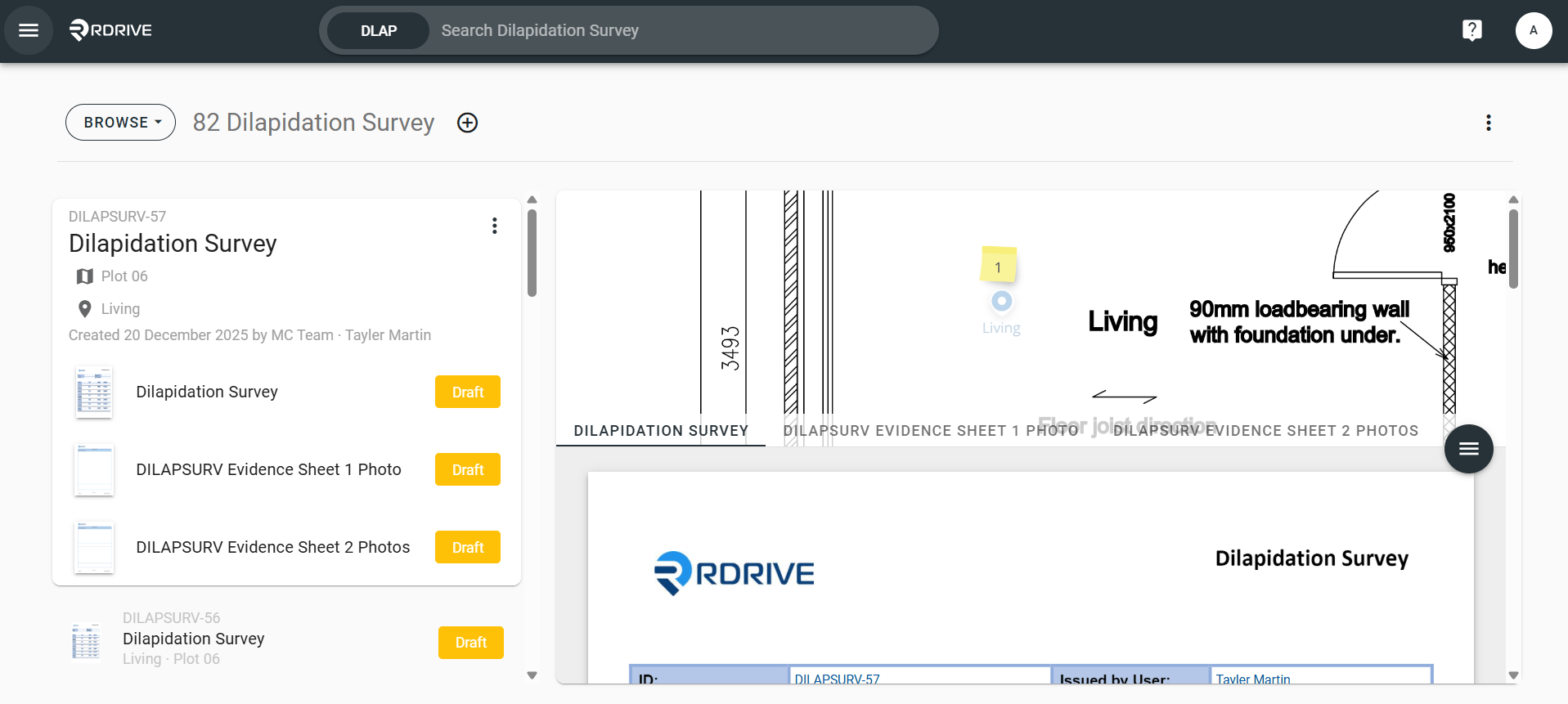
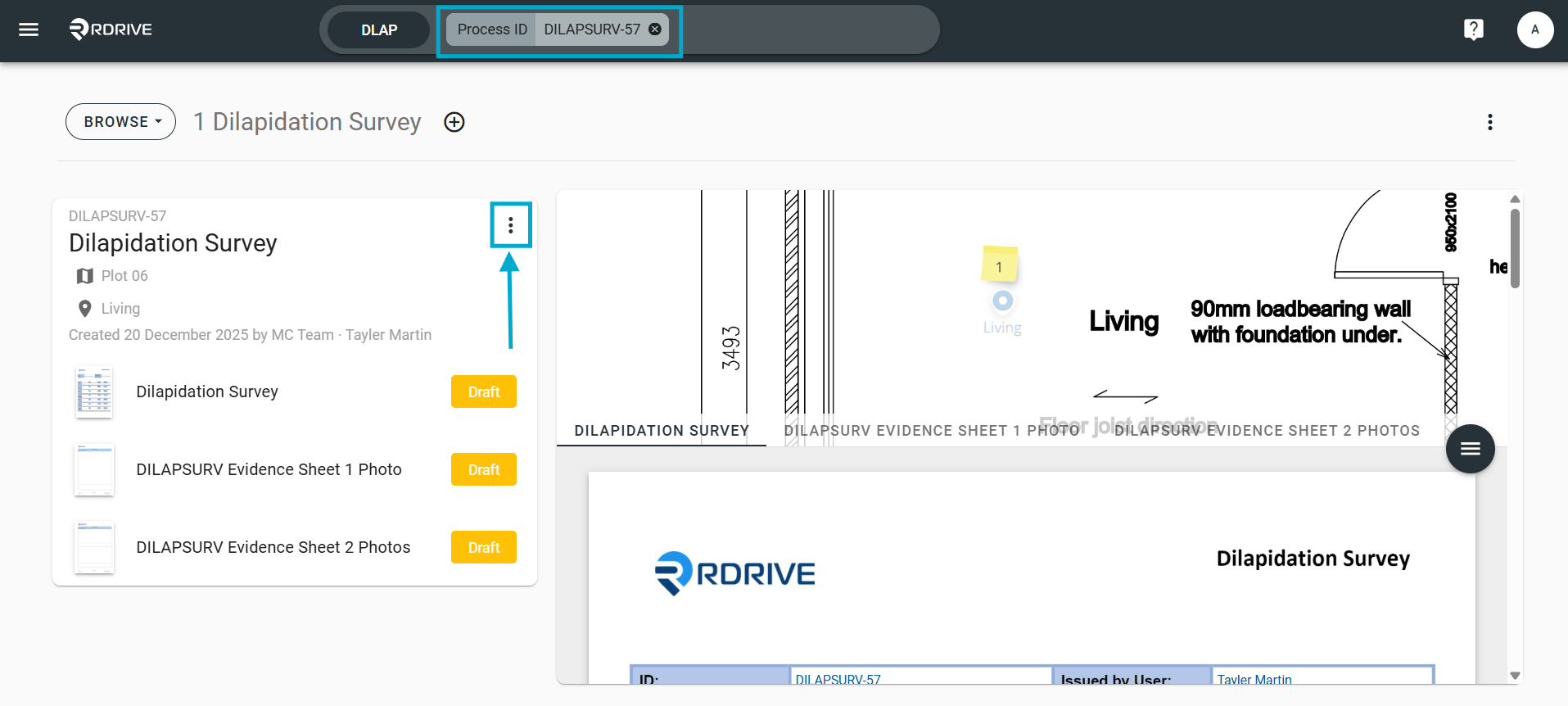
From the process finder, use the universal search bar to find the item.