
Overview
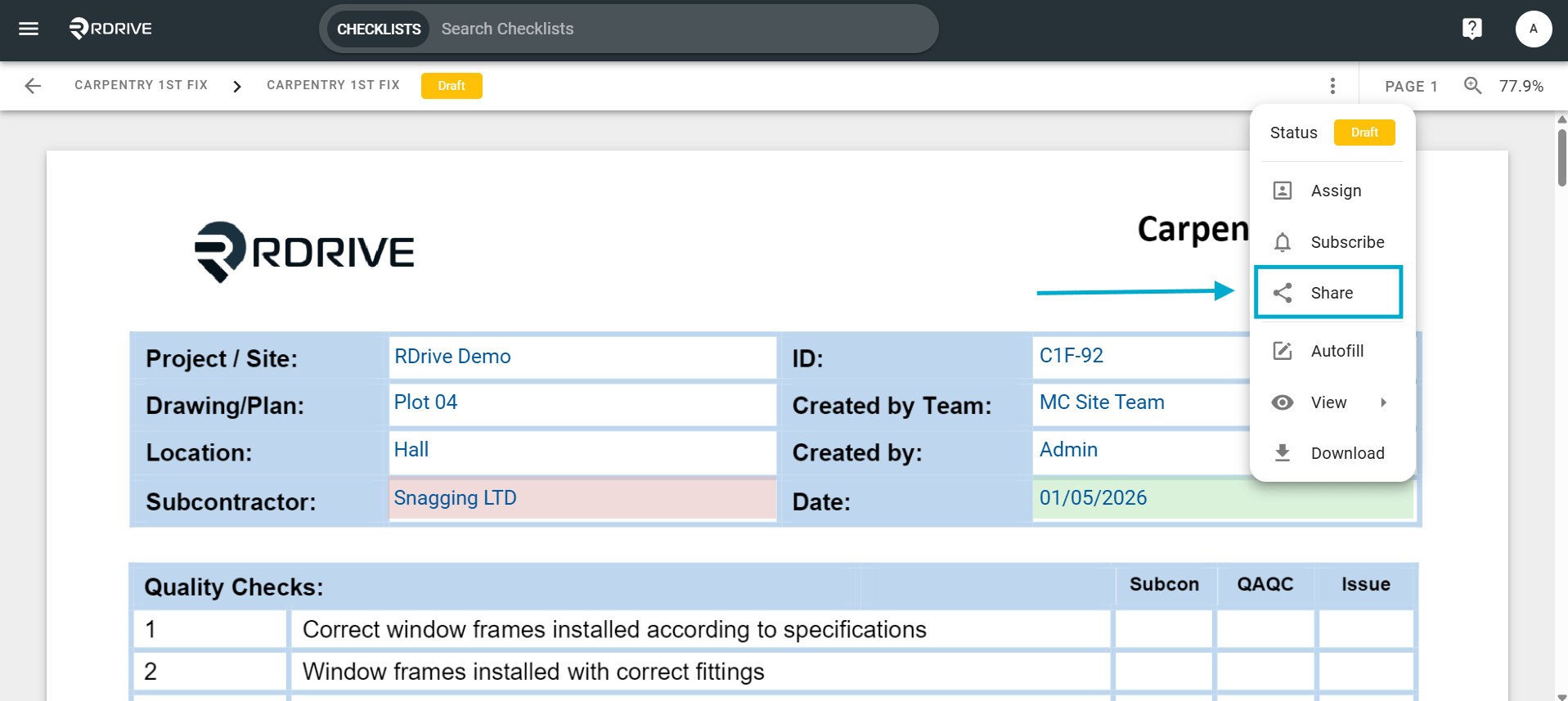
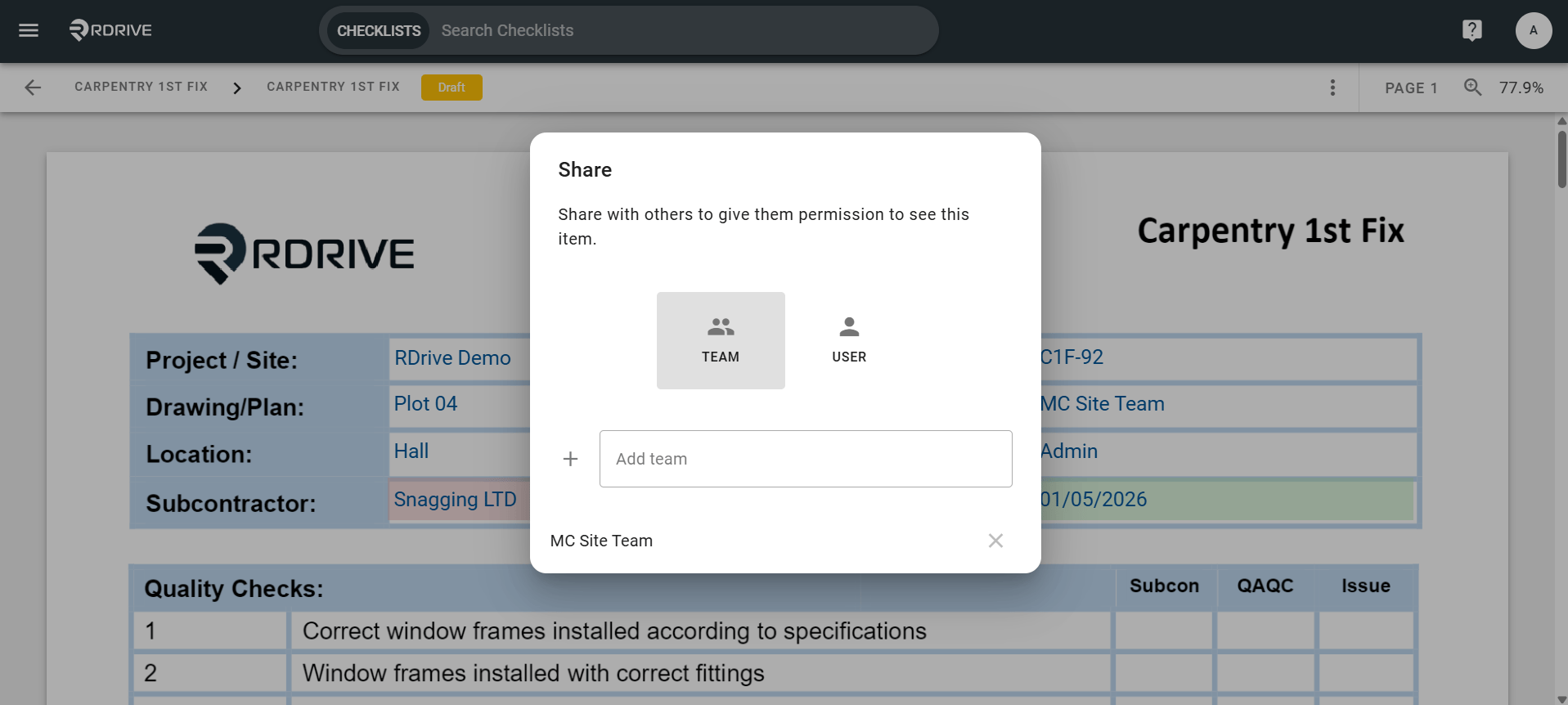
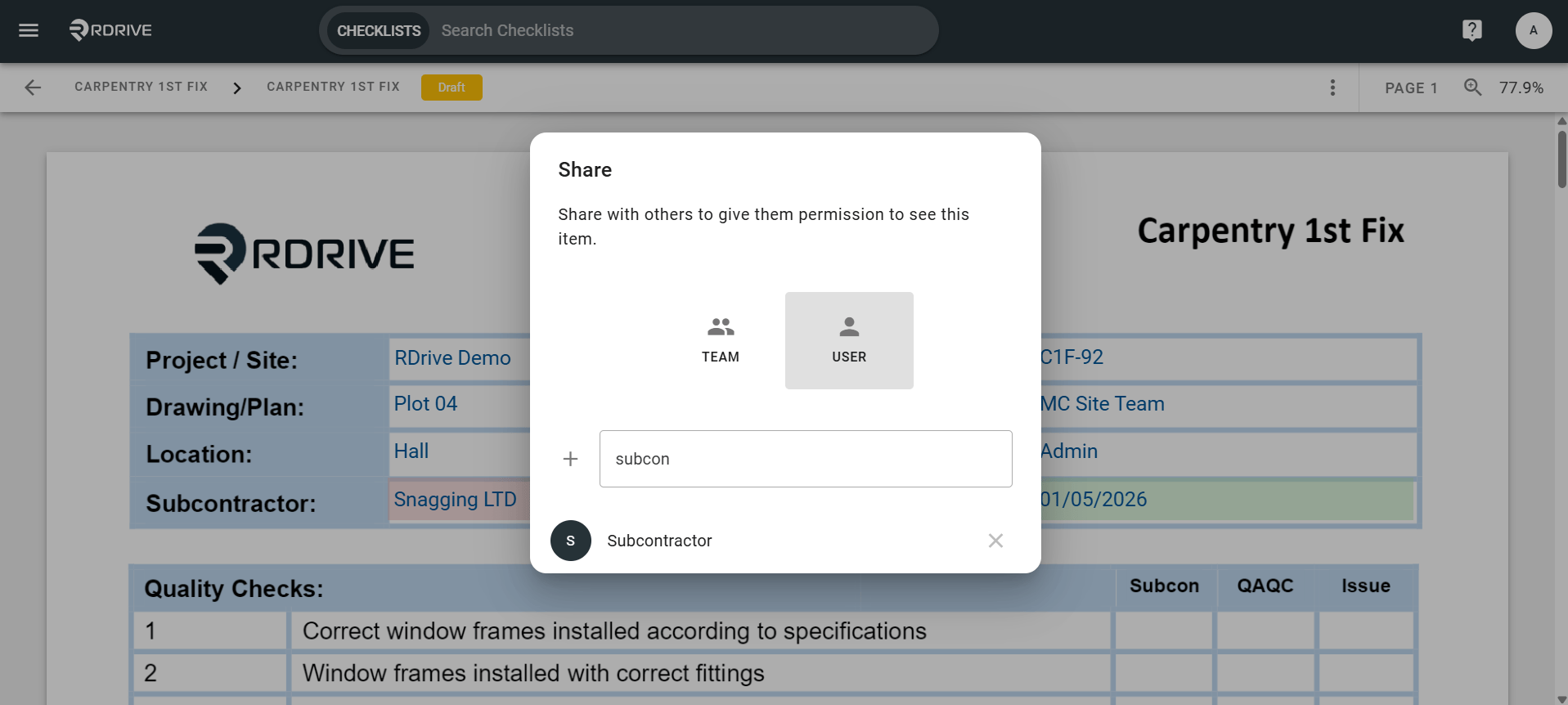
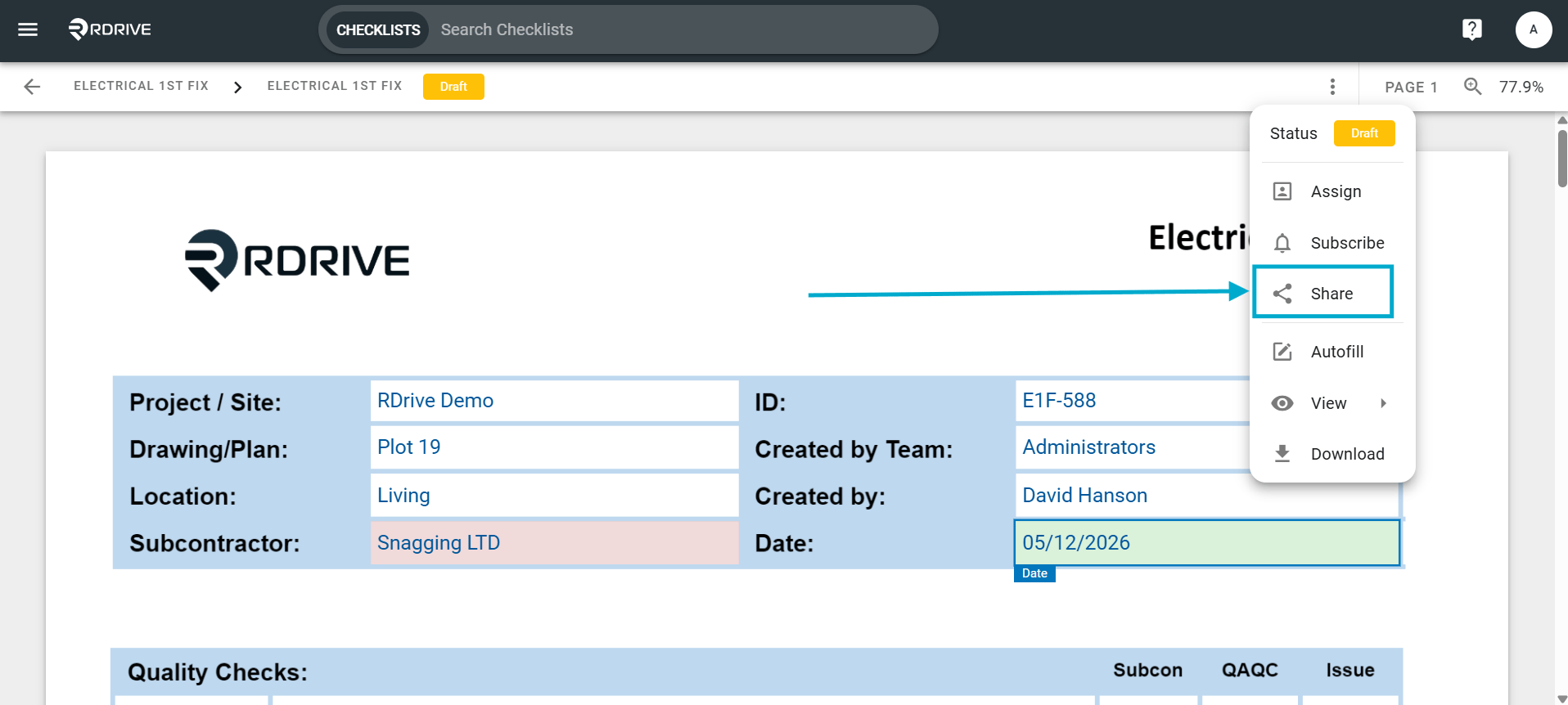
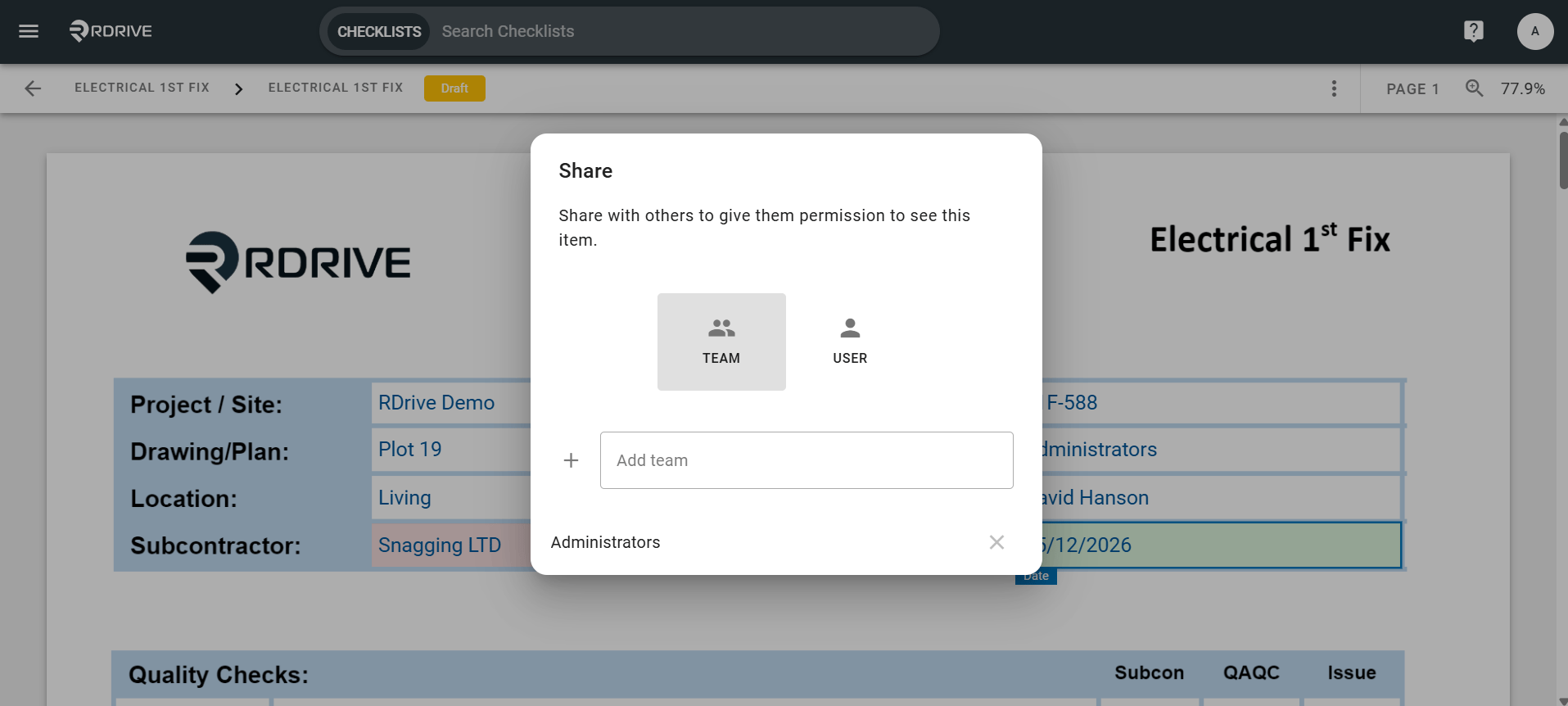
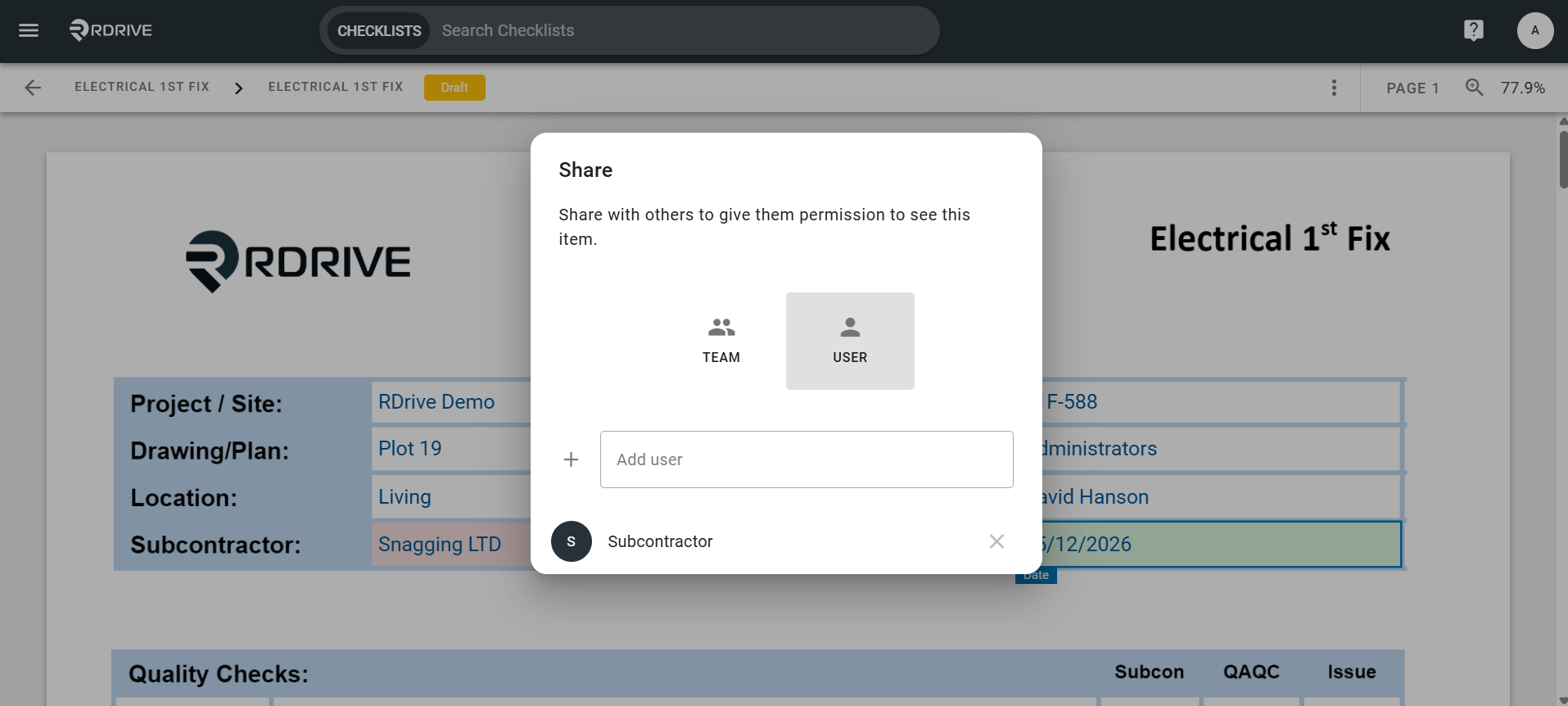
How to use the Share function to show and share work with other users- Purpose: How to share processes to other users on the desktop in RDrive
- Who It’s For: General users
Prerequisites: Able to read and share the item
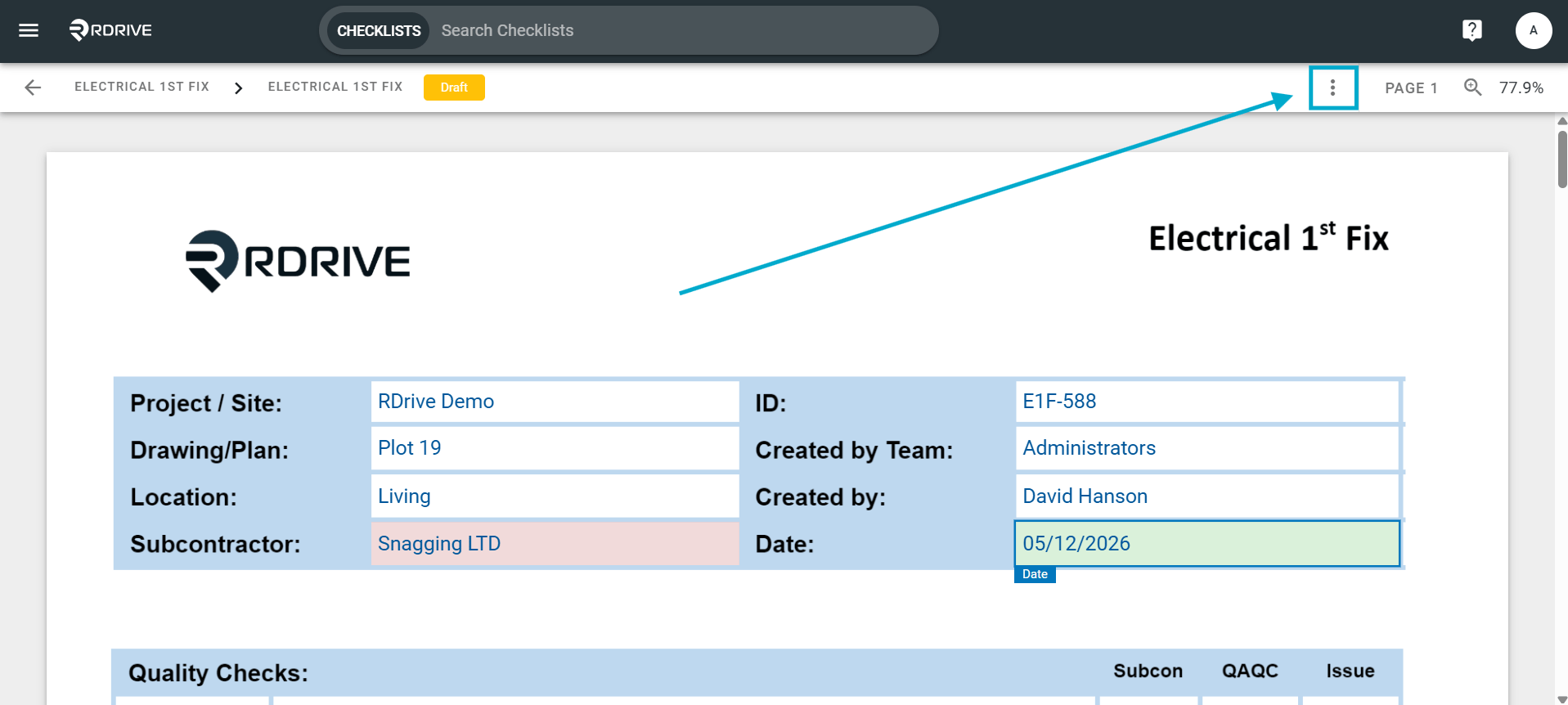
Share by Form
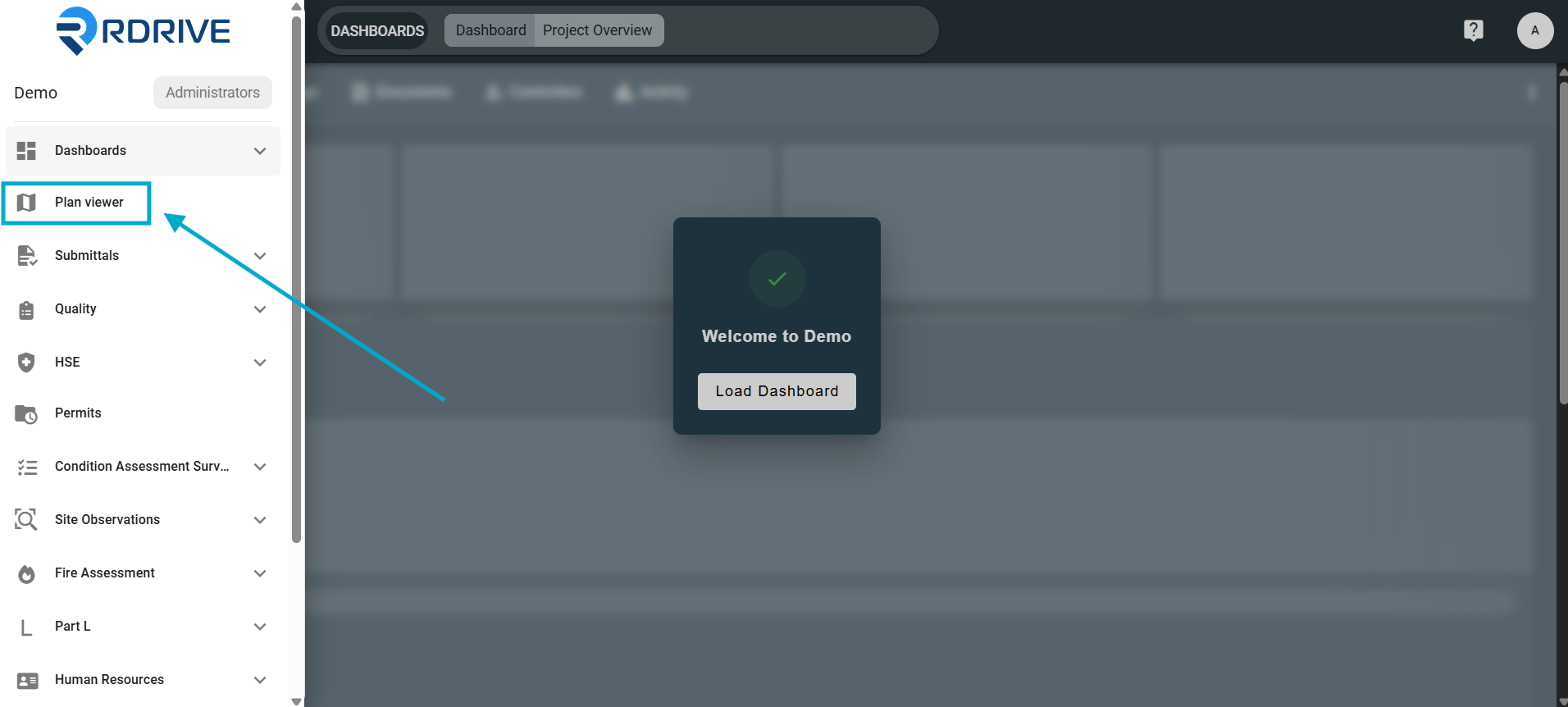
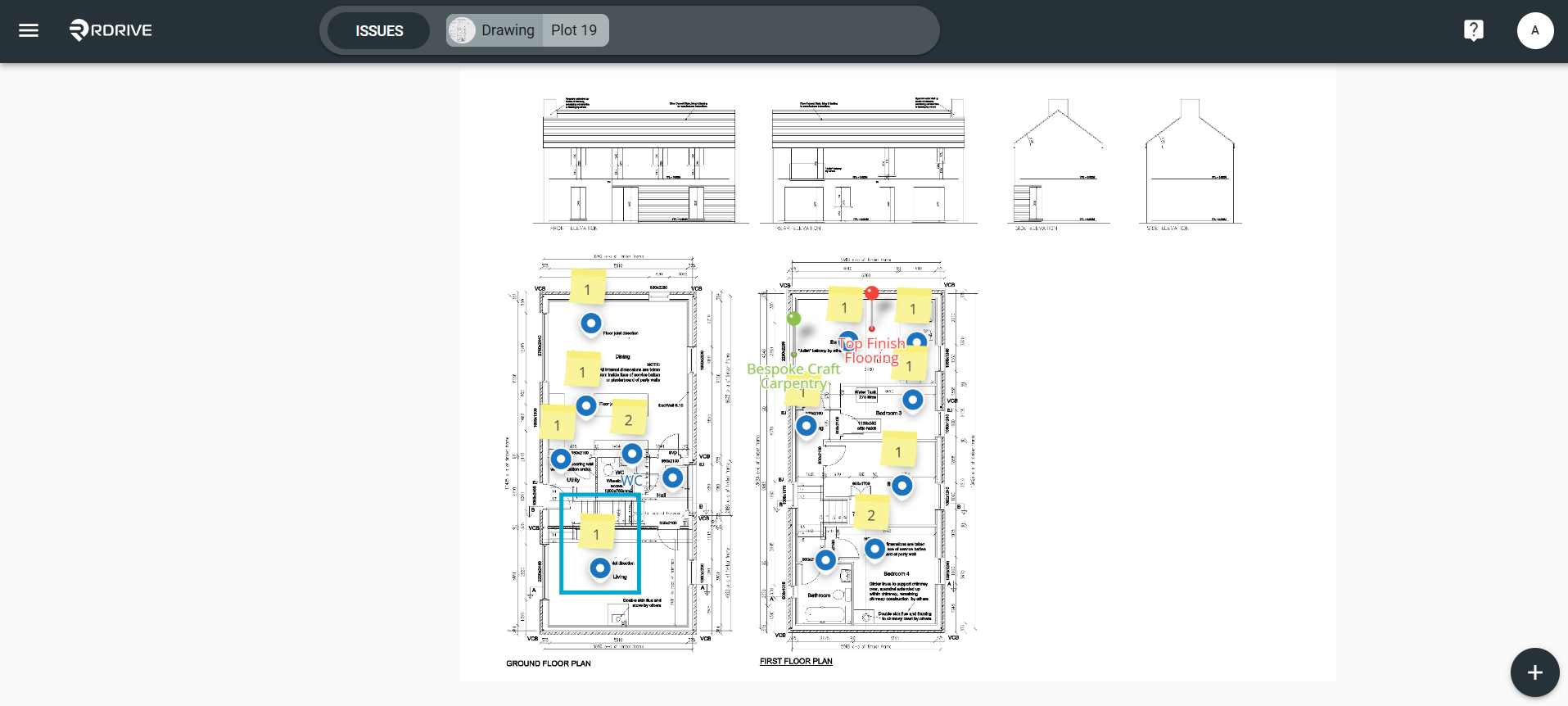
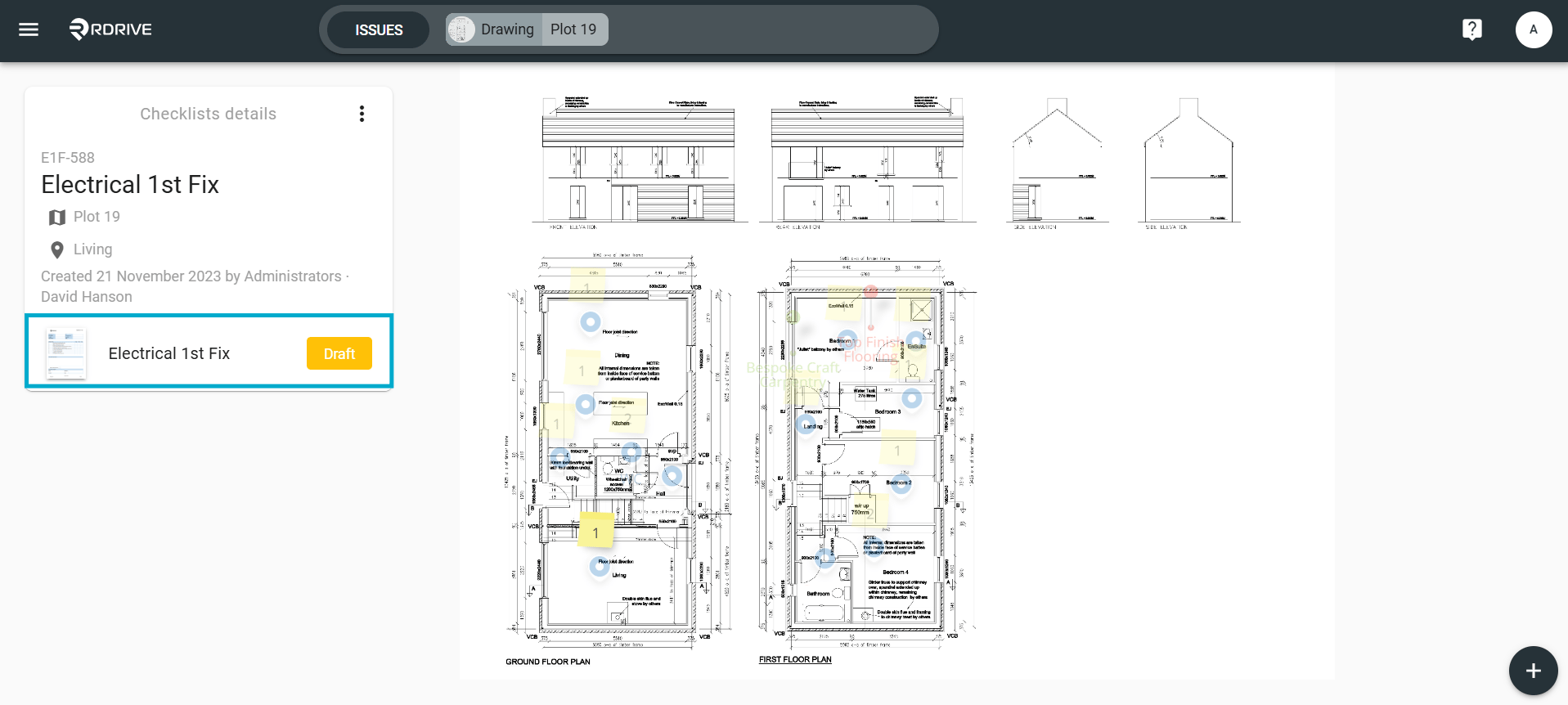
via Plan Viewer
Simply press the Menu icon ≡ in the top left corner of your screen to unfold the Menu.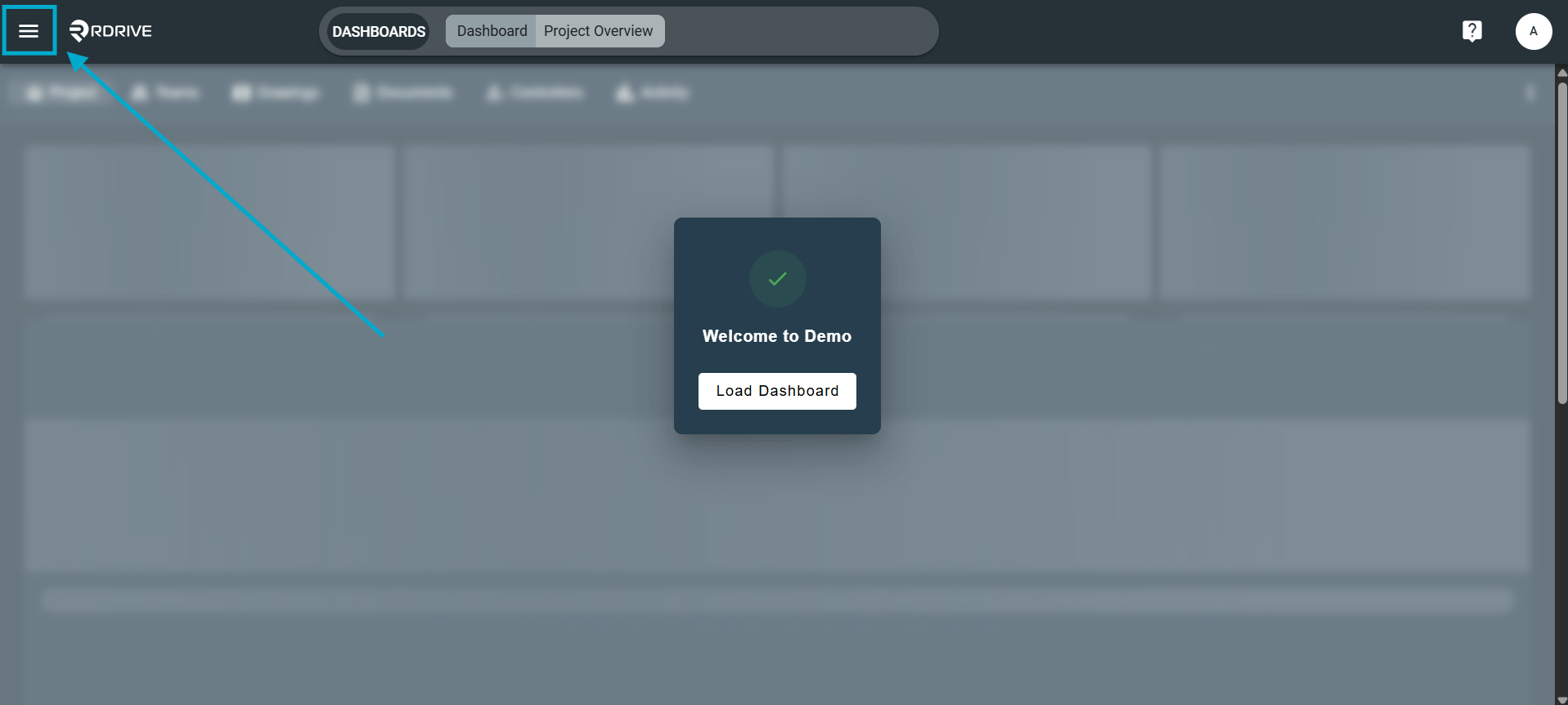
via Process Finder
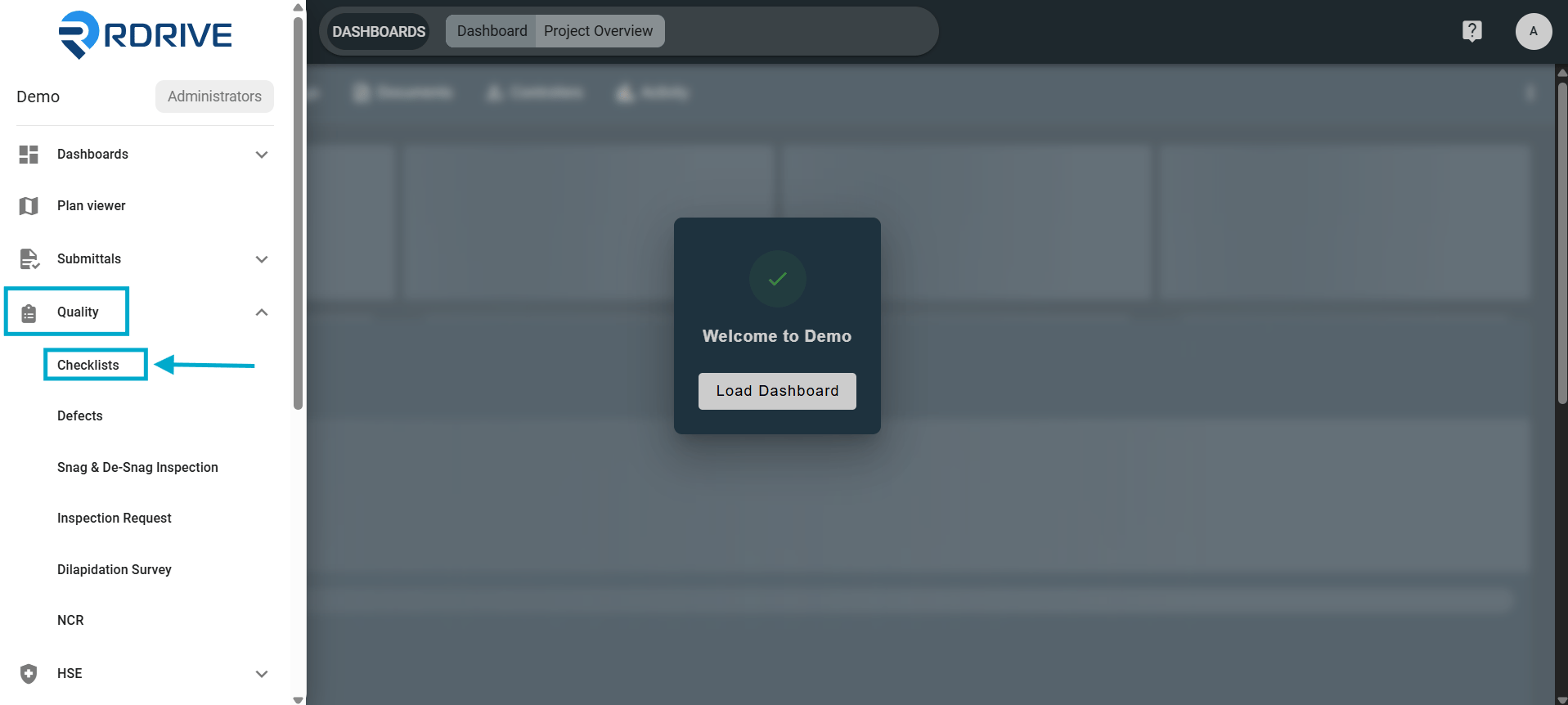
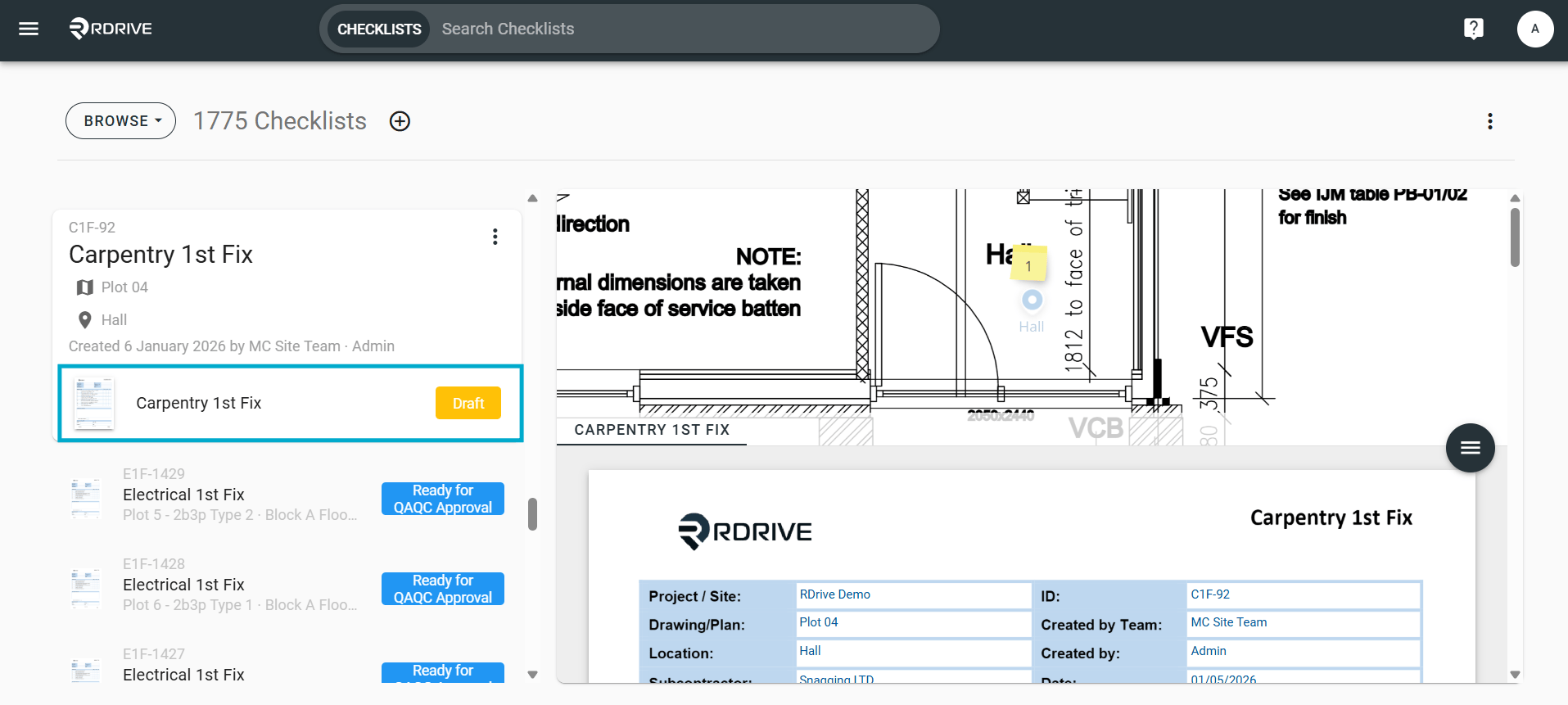
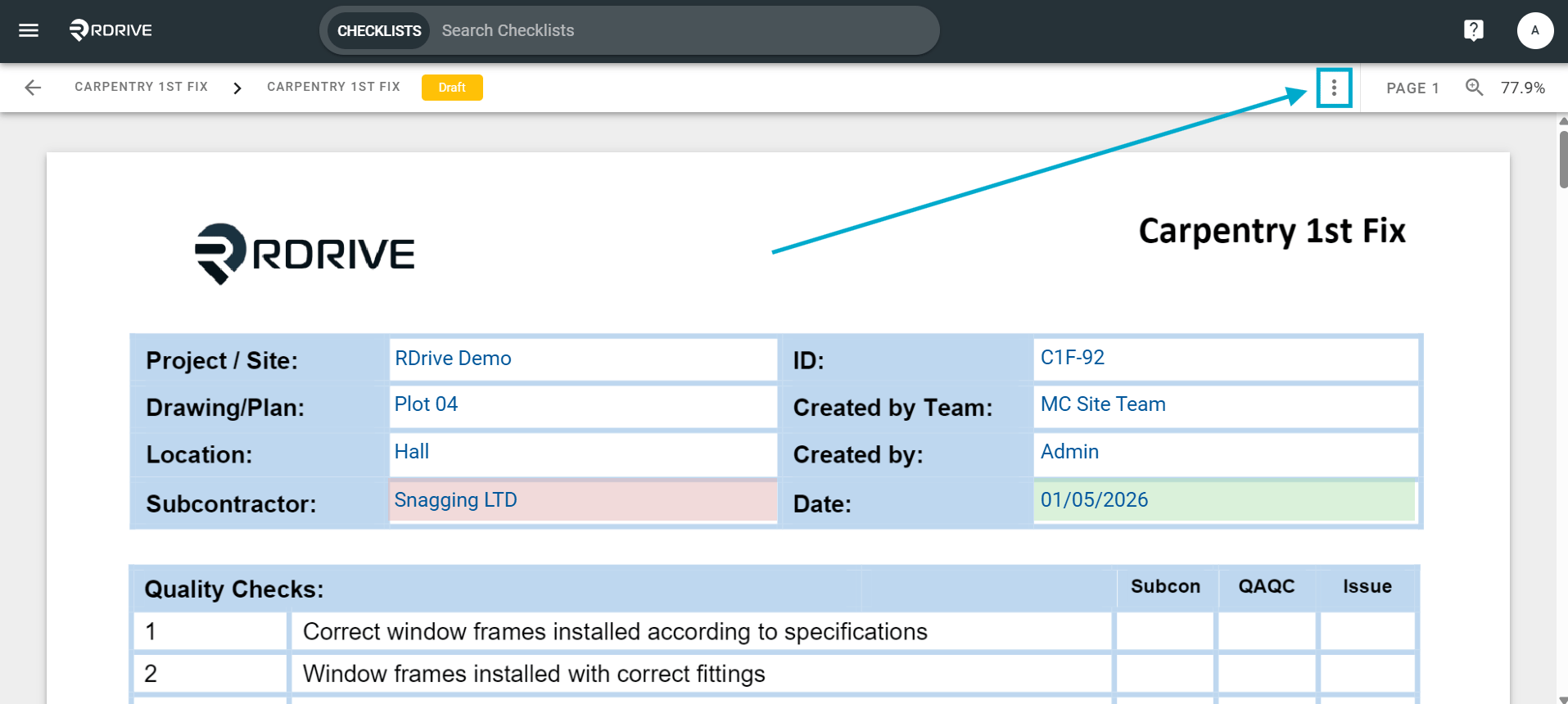
Click the menu icon on the top left corner to unfold the Menu. From the side menu choose the process category you wish to share.