If you have a form with added external reference document(s) you will need to know how and where to find them.
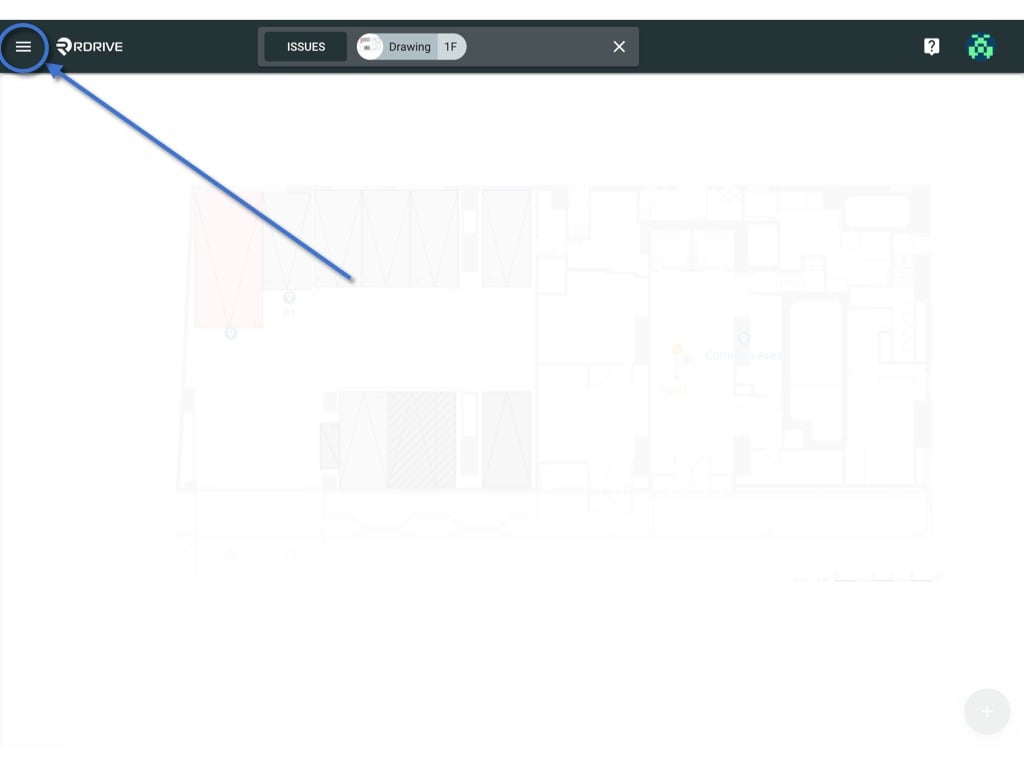
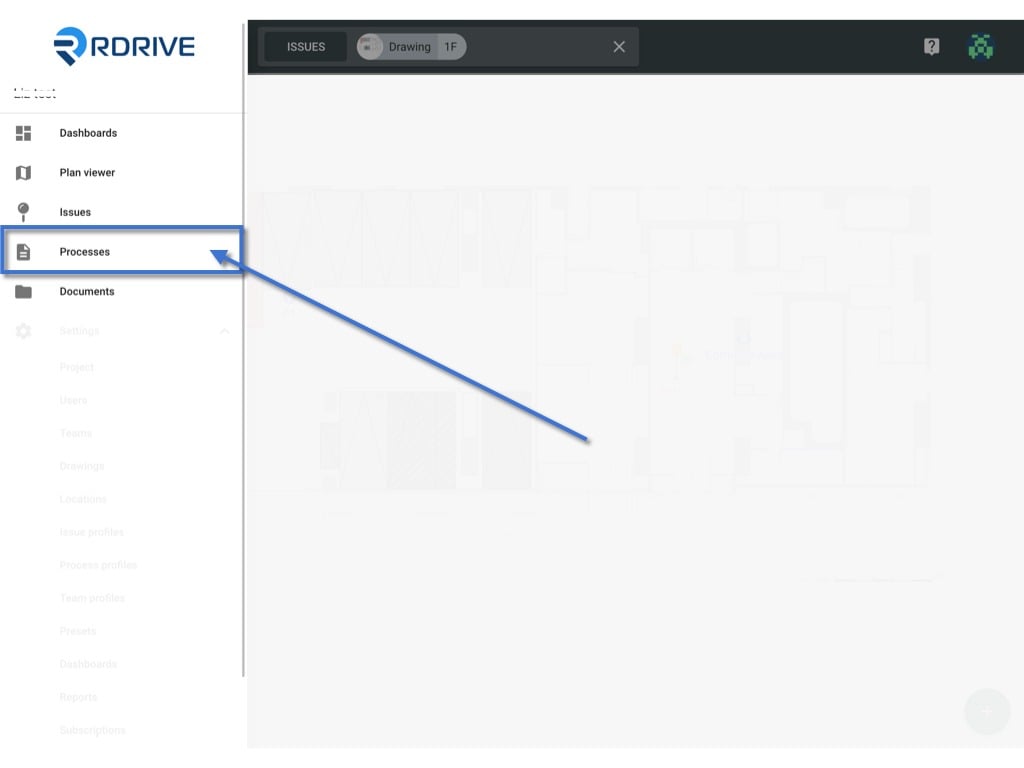
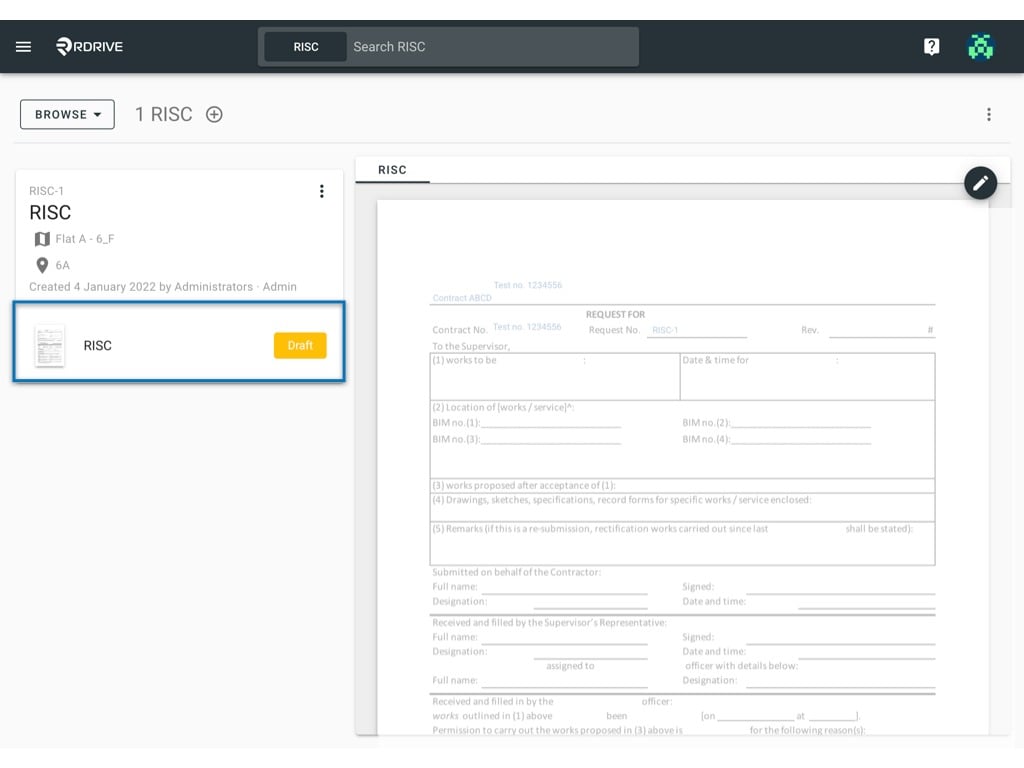
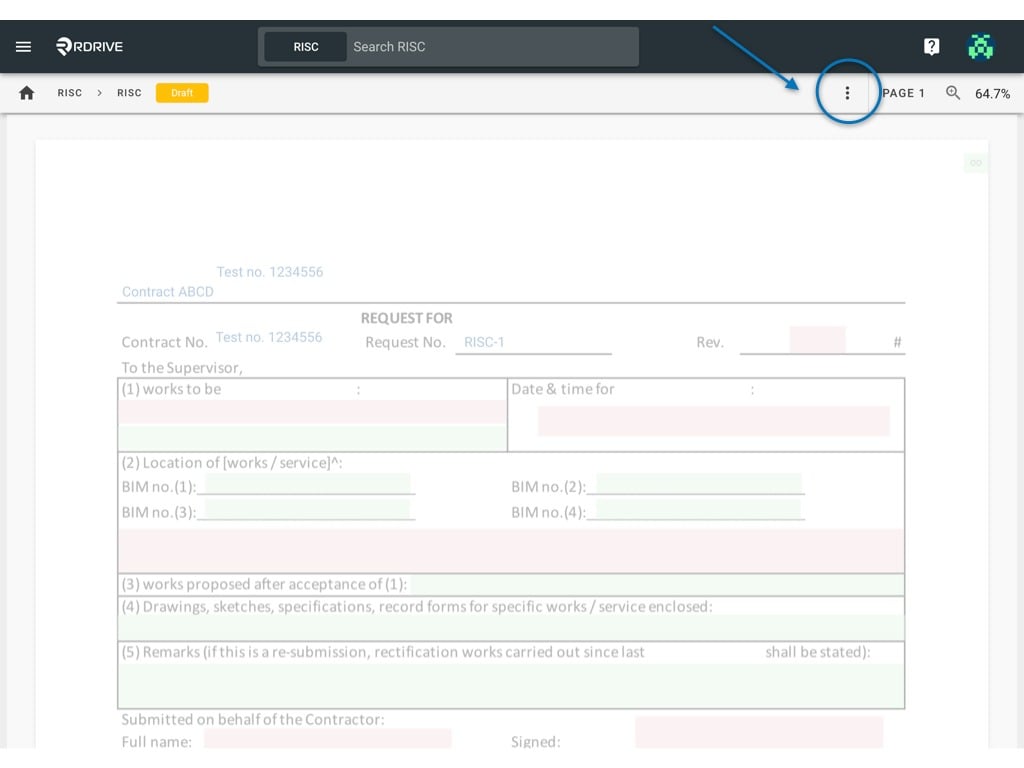
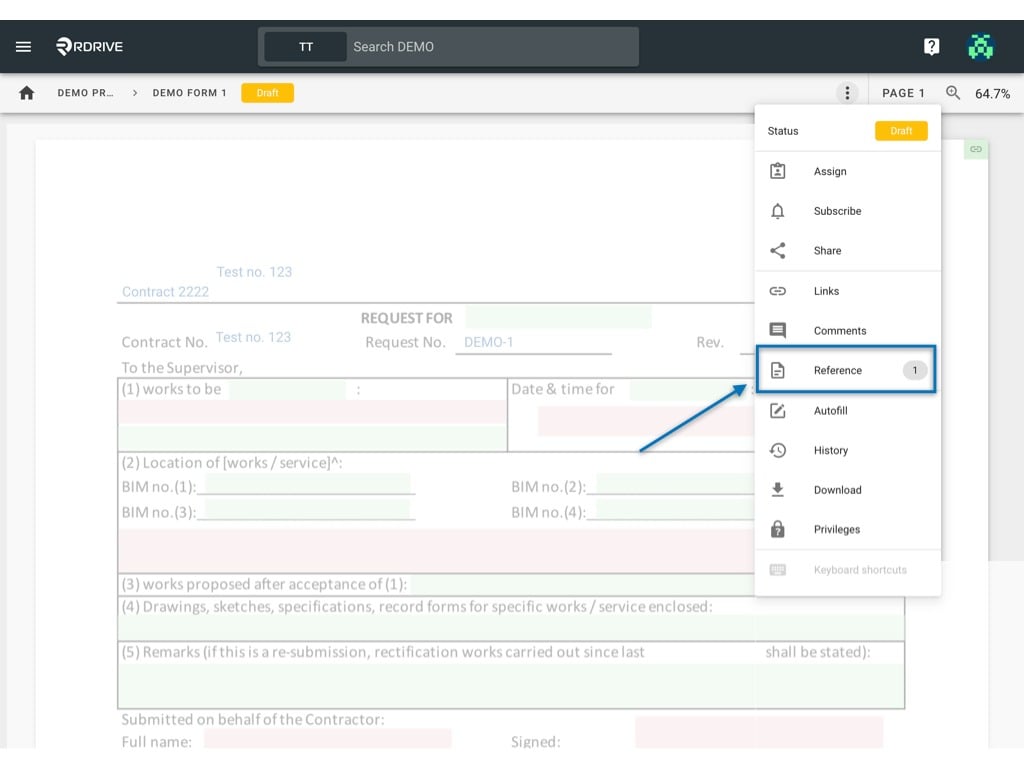
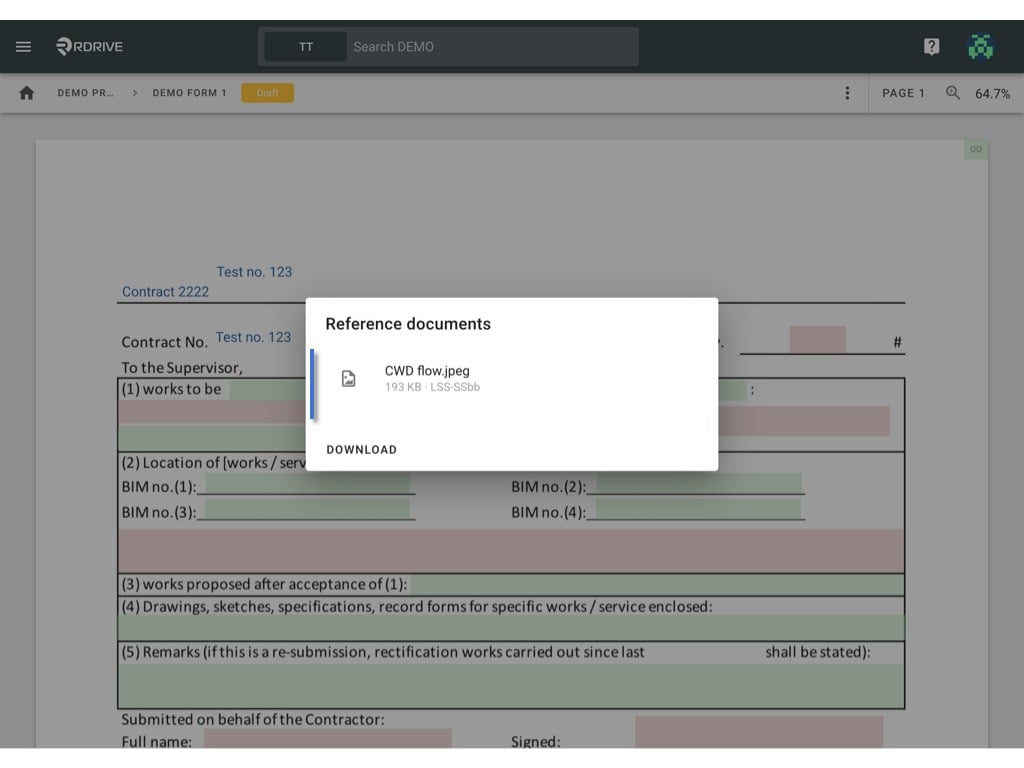
If you have a form with added external reference document(s) you will need to know how and where to find them.Simply press the Menu icon ≡ in the top left corner of your screen to unfold the Menu and access the Process/Checklist page by selecting the category and subcategory as shown below.Choose your process/checklist to open your form viewer.Click the 3dots ⋮ button as circled below to unfold the form Menu. Once unfolded, press Reference and the share dialog of this form will appear as a window in the centre of your screen. The reference documentation will be listed in the window if any are already attached.