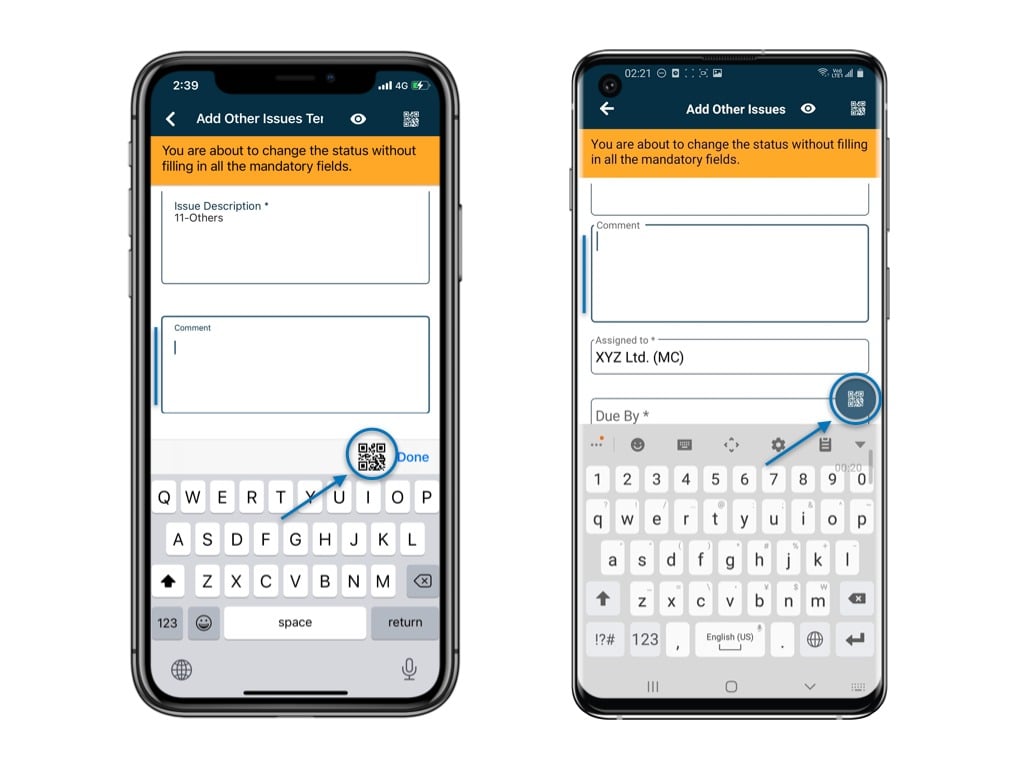
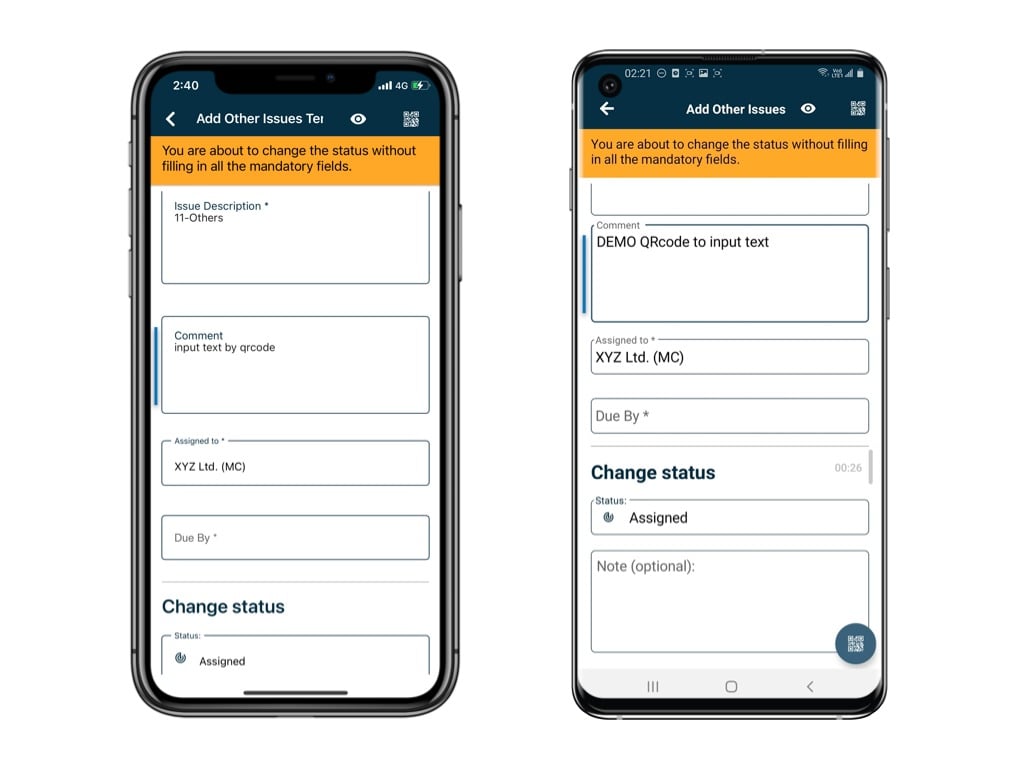
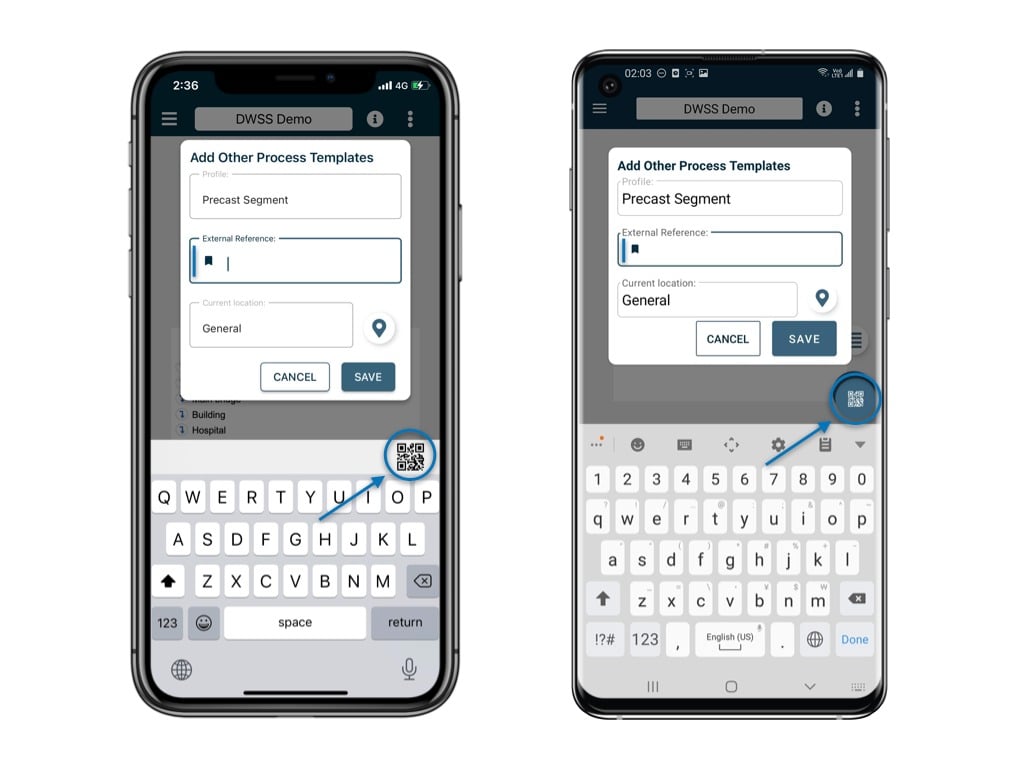
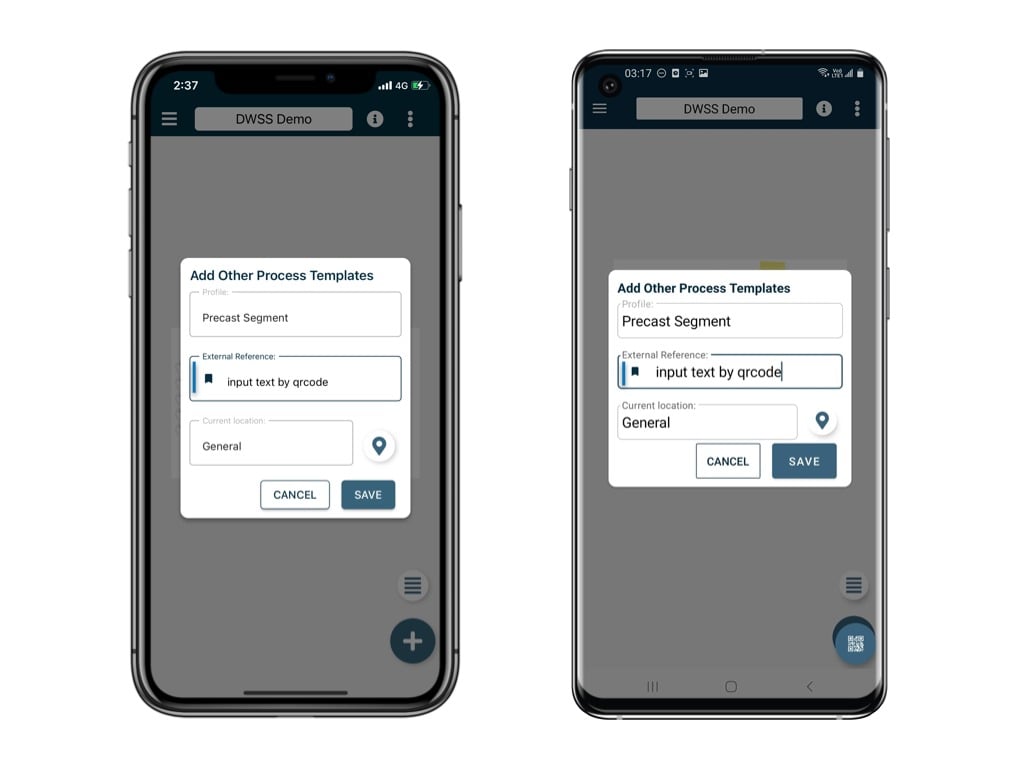
The QR code scanning icon appears when editing the text field or External Reference. Click on it, and the camera will open, ready to scan the QR code.
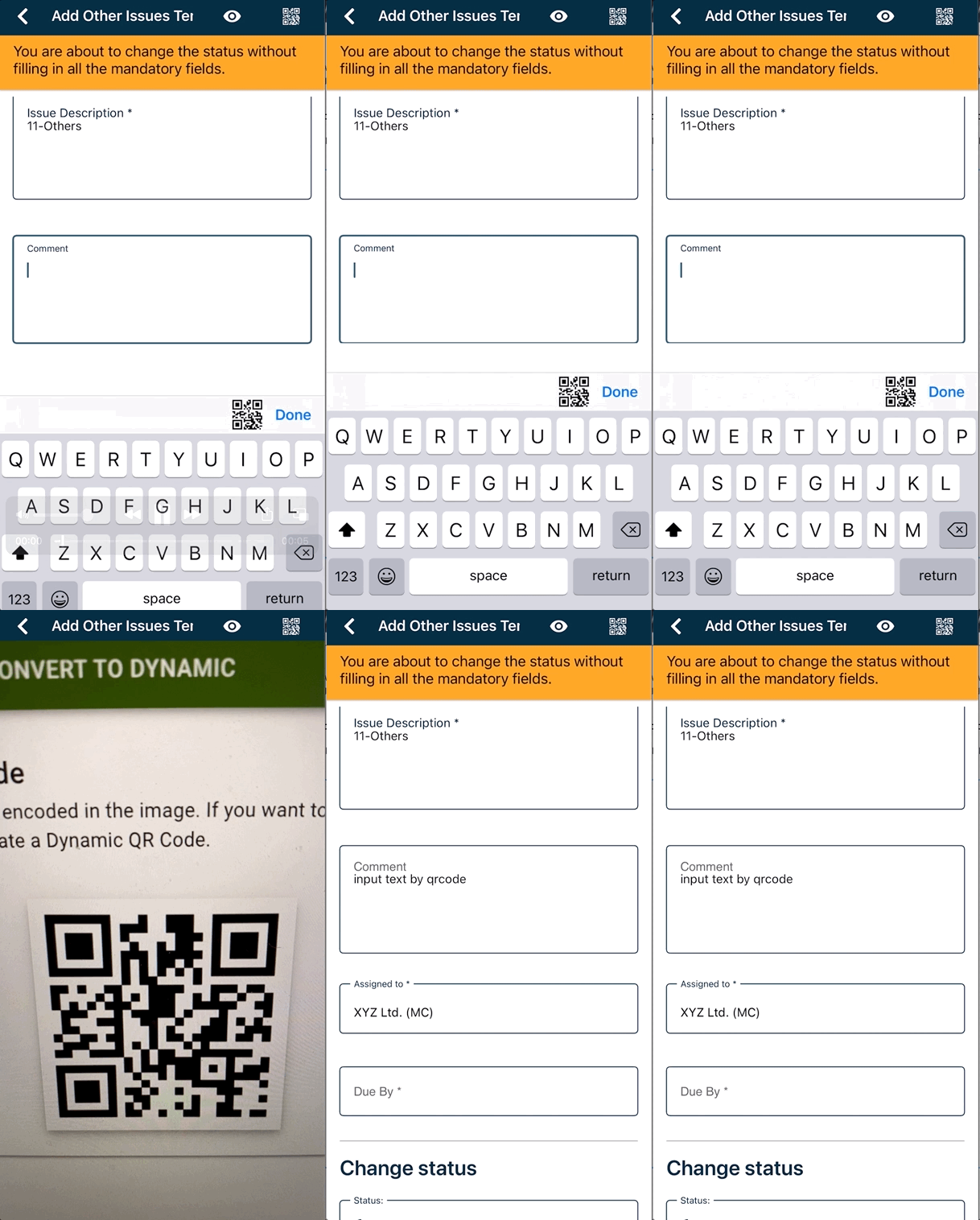
The QR code scanning icon appears when editing the text field or External Reference. Click on it, and the camera will open, ready to scan the QR code.For the Text field:Below is a GIF demonstrating how it works for your reference.For the External Reference: