How to remove and re-add the project?
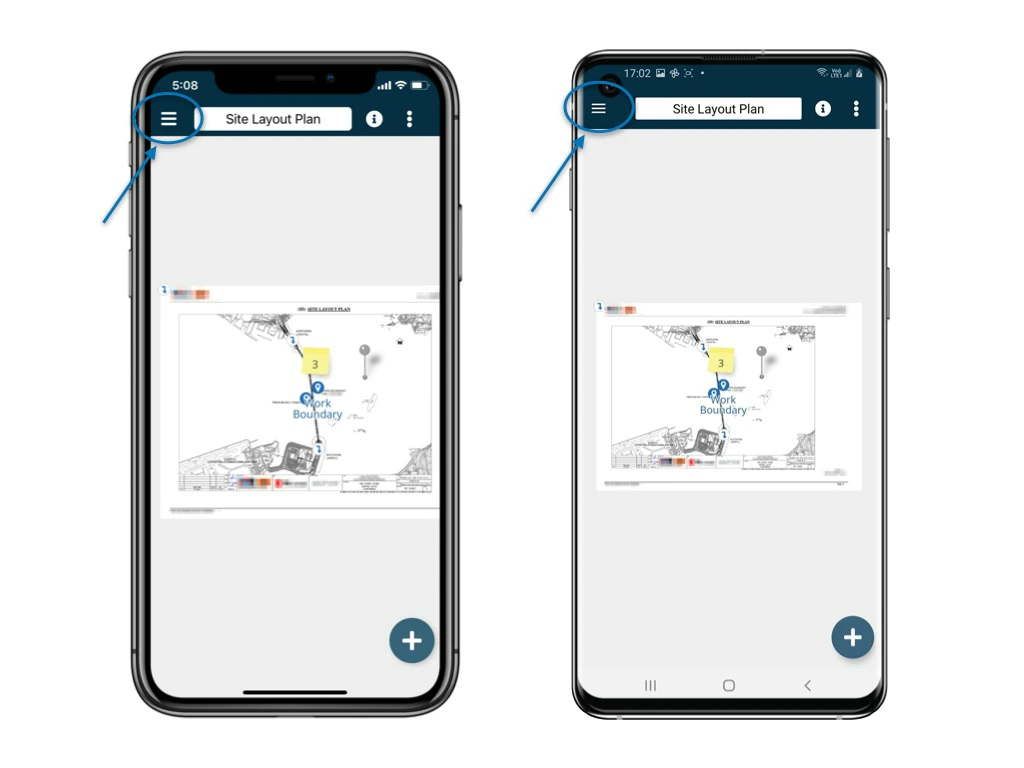
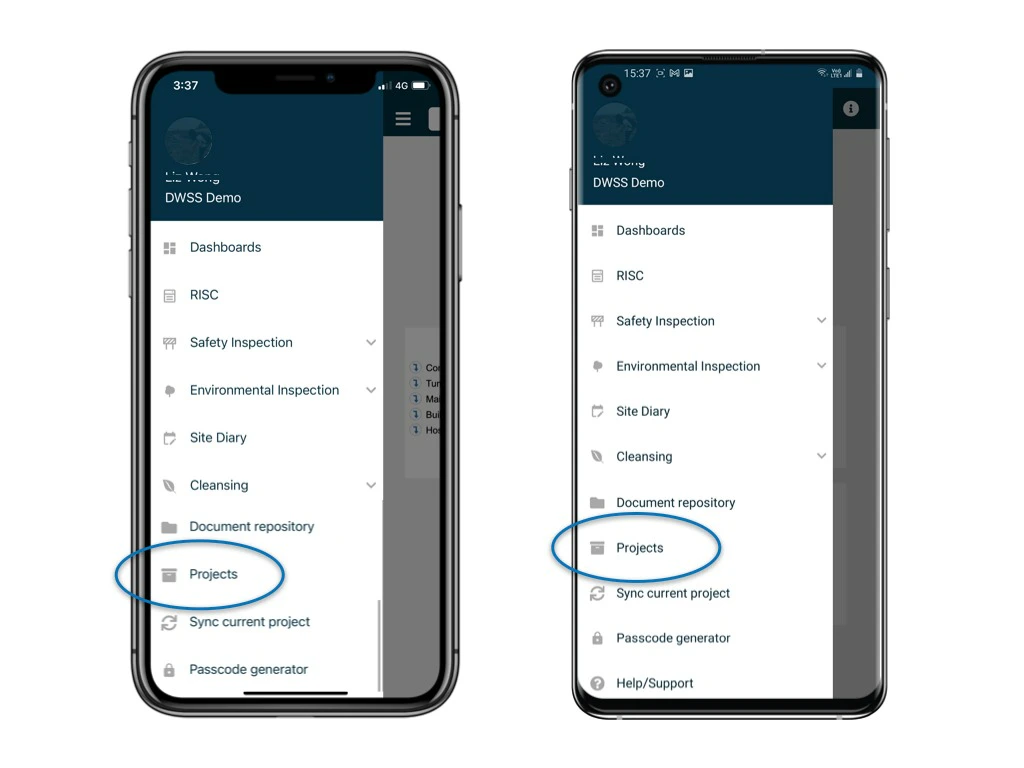
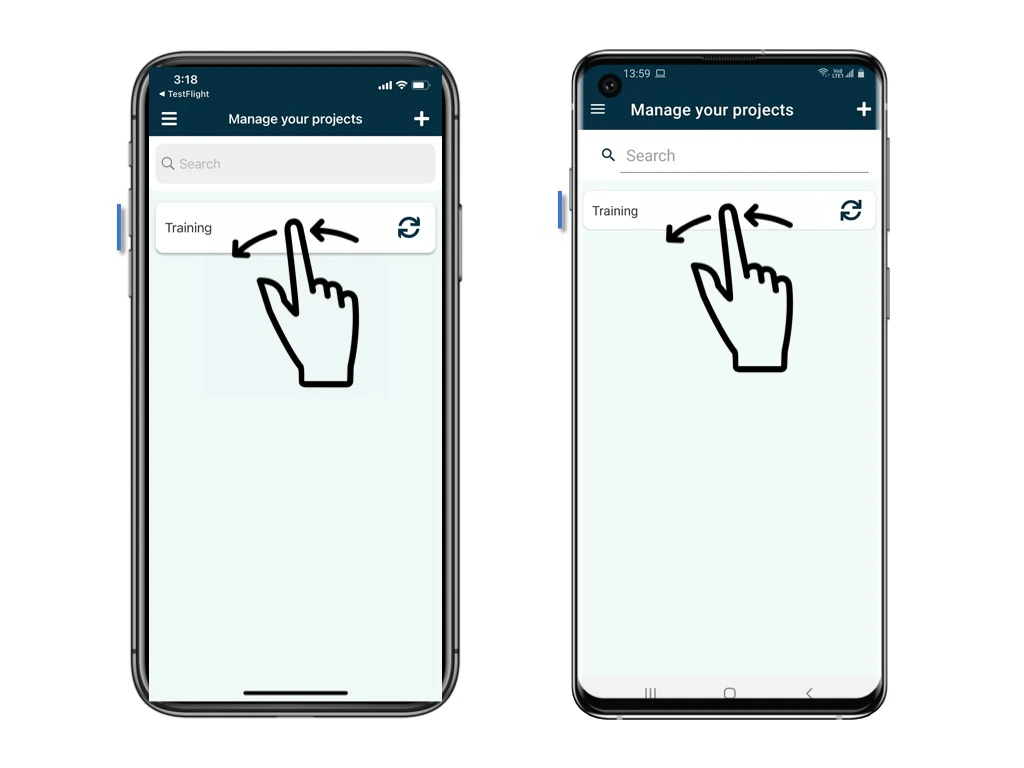
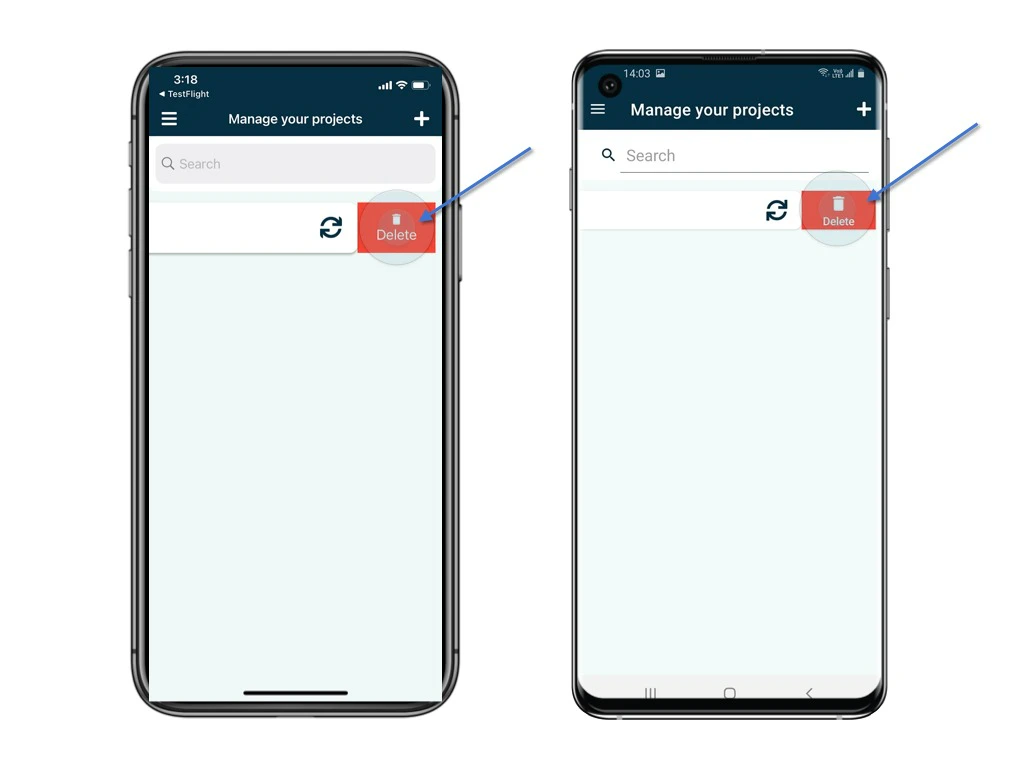
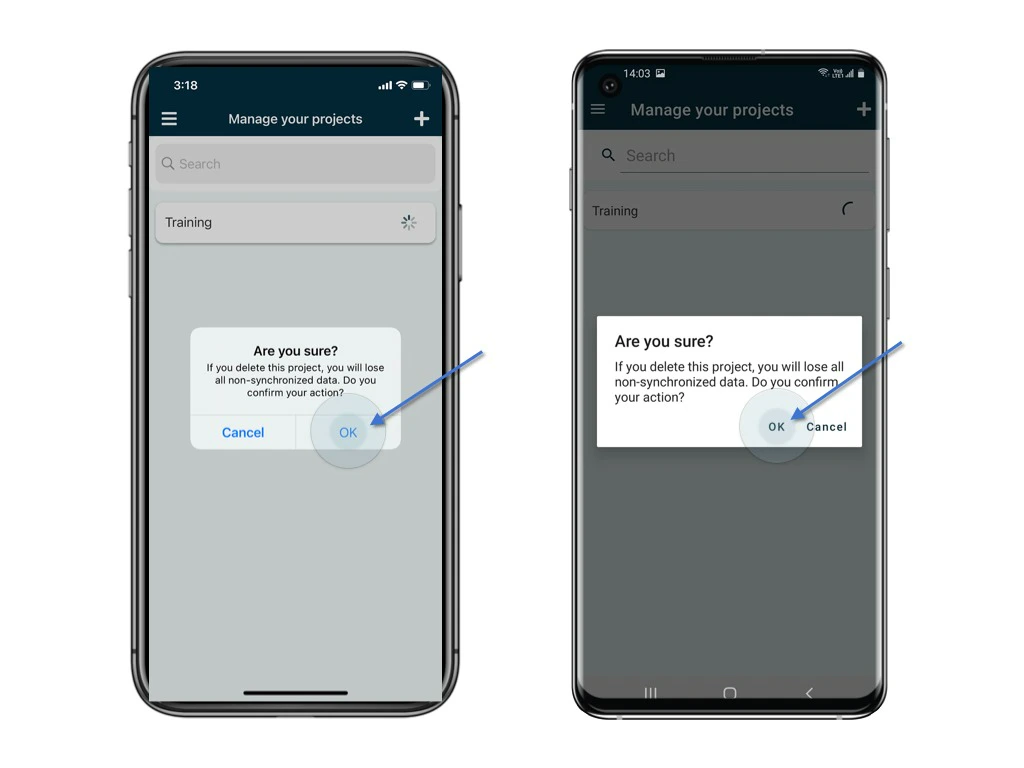
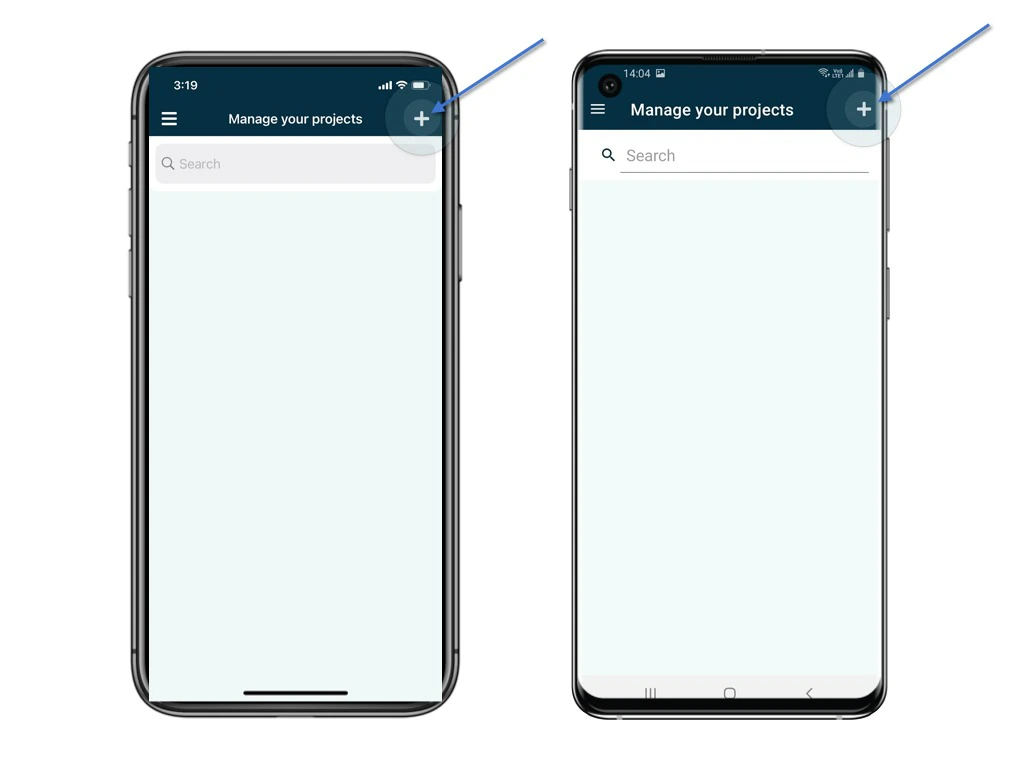
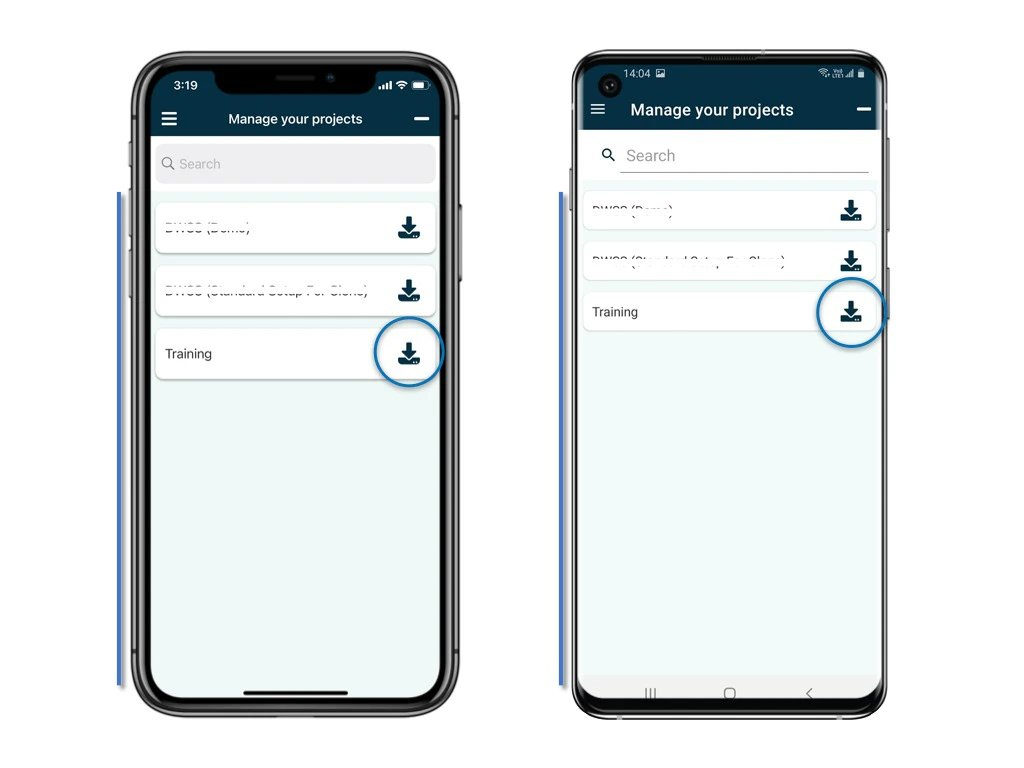
Restart to process. There are times when synchronization is not working as expected, e.g. do not see updated drawings, updated lists of users or contractors, updated issue lists. When these issues happen, RDrive support team will first investigate. Next, it would be best to remove and re-add the project on your device and start fresh again. This is almost like when your computer is acting funny ? , you restart to get it working normally again. ⚠️ WARNING: Please note the un-sync items on your device will be gone after deleted project. Unfold the side menu and click Projects.