
Overview
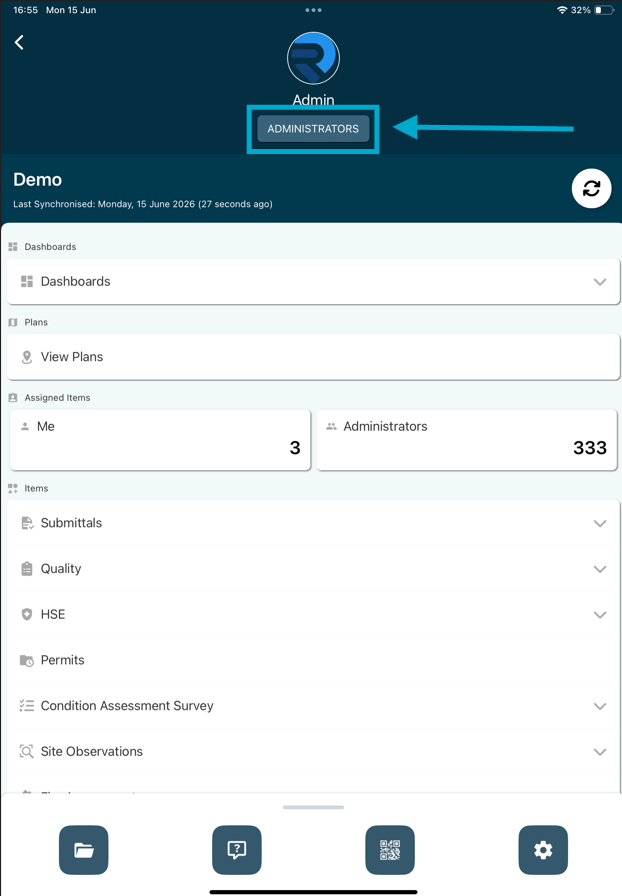
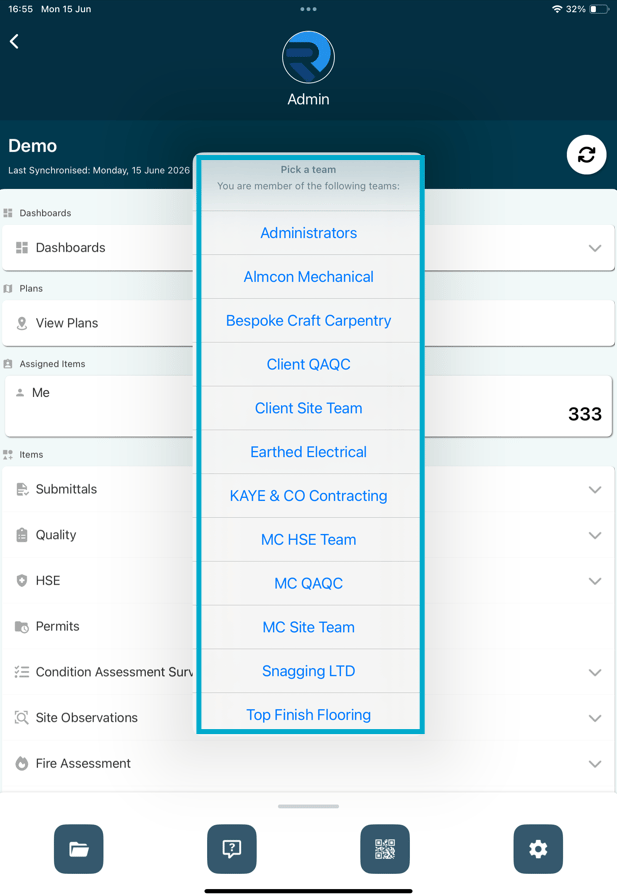
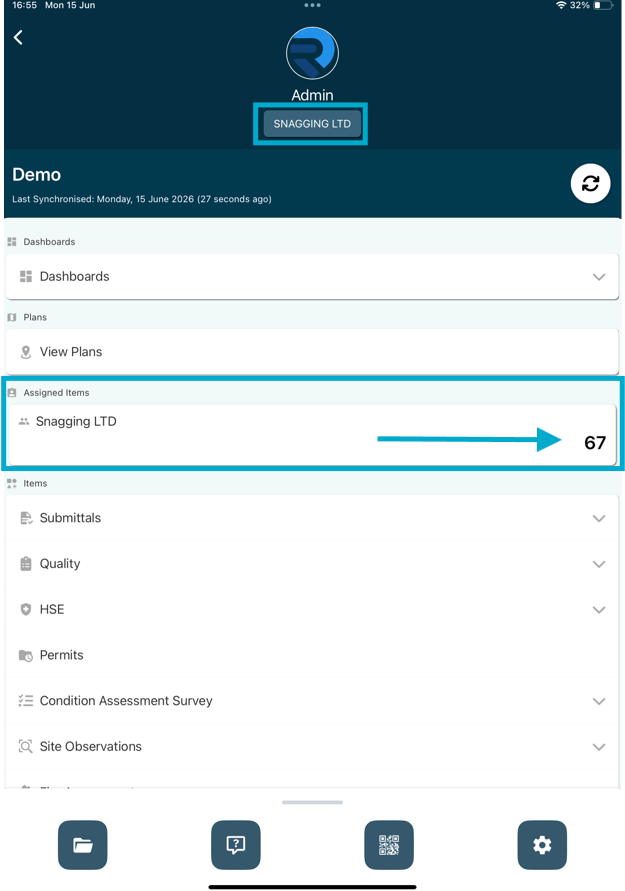
How to switch your active team within the RDrive app- Purpose: How to change your current team
- Who It’s For: General users
Prerequisites: Access to more than one team
FAQs & Troubleshooting
Q: Why would I need to switch teams in the mobile app?A: Switching teams allows you to view and work on items assigned to a different team within the same project. This is useful for users who are members of multiple teams or have responsibilities across different workstreams. Q: Why can’t I see the team I want to switch to?
A: You can only switch to teams that you have been assigned access to. If a team is missing, contact your project administrator to confirm your team membership and permissions. Q: Will switching teams affect my existing work or data?
A: No. Switching teams only changes the data and items displayed within the app. Your existing work, completed items, and project data will remain unchanged.